

















Employee Monitoring Software India - Mera Monitor

FAQ About Employee Monitoring Software Solutions 

Employee monitoring software is a tool that helps organizations understand how work happens by tracking work-related digital activity on company devices. It provides visibility into app and website usage, active and idle time, attendance, and overall work patterns—helping teams improve productivity and operational efficiency.

Contrary to common belief, employee monitoring is not about surveillance or spying. When implemented transparently, its real purpose is to support better workload management, identify process bottlenecks, and enable data-driven decisions that help both employees and businesses perform better.

Employee monitoring software is not a one-size-fits-all requirement. Whether it’s right for your business depends on your team structure, work model, and the challenges you’re trying to solve.

It is especially useful for organizations that want better visibility into how work is getting done—without relying on assumptions or manual reporting.

Employee monitoring may be a good fit for your business if you’re asking questions like:

  • Are we paying for software licenses that may not be fully used?

  • Do we struggle to maintain productivity across remote, hybrid, or distributed teams?

  • Is it difficult to understand where team time is actually spent?

  • Are performance issues linked to distractions or time-wasting activities?

  • Do projects exceed budgets due to poor visibility into work effort?

  • Have billing or payroll errors occurred due to lack of accurate work records?

If you answered yes to any of these, employee monitoring software can help bring clarity, accountability, and data-driven insights—without micromanagement.

Employee monitoring software can track a range of work-related activities to help organizations understand productivity patterns, time usage, and resource utilization. What gets monitored depends on company policy, role requirements, and transparency with employees.

Here’s what can typically be monitored:

Time and Attendance

  • Login and logout times

  • Daily working hours, breaks, and idle time

Application and Website Usage

  • Apps and software used during work hours

  • Websites visited, often categorized as productive or non-productive

Task and Project Activity

  • Time spent on specific tasks or projects

  • Progress tracking against deadlines and deliverables

Keyboard and Mouse Activity

  • Active vs. idle time based on input activity

  • Overall activity levels (without capturing content)

Screen Monitoring (Optional & Policy-Driven)

  • Screenshots at defined intervals for work validation

  • Live screen monitoring or recording, typically used only when required and with employee awareness

Organizations may use different monitoring methods—such as app usage analysis, activity logs, or screen monitoring—based on their specific needs. Not all features are mandatory, and responsible monitoring focuses only on work-related activity, not personal data.

Employee monitoring software helpsorganizations understand how work is happening during work hours by collecting activity data from company devices.

It typically tracks things like:

  • Work hours and attendance

  • Active vs idle time

  • Applications and websites used

  • Time spent on tasks or projects

The goal isn’t surveillance—it’s visibility. When used correctly, employee monitoring helps teams improve productivity, plan workloads better, and identify process gaps without micromanaging people.

Employee monitoring tools are designed to track every single activity of employees and help organizations make informed decisions. However, before you can decide whether you should opt for it, we suggest you consider the following questions: 

  • What types of activity do you want to monitor?
  • What special features do you need in the employee monitoring tool? 
  • What is the cost of the software?
  • Do you need any specific technical skills to use the tool?
  • Will your employees support the implementation of this tool?
  • Does the implementation need any changes in your existing system? 

Check out the below-listed FAQs to get the necessary information to make an informed decision about choosing and implementing the best employee monitoring system. 

Employee productivity is crucial to a business's success. The ability of employees to complete tasks effectively and efficiently directly impacts the bottom line. As a result, businesses are increasingly investing in tools to track productivity.

Tracking software helps identify areas for improvement and optimize the workforce. By monitoring productivity, organizations can recognize patterns in work output, create effective resource allocation strategies, and analyze overall workforce effectiveness. However, businesses must ensure they focus on the right metrics and choose the appropriate software to get accurate tracking results.

Teams or businesses from every industry are now considering employee monitoring as they understand how it can take their team to a whole new level. Users of employee monitoring software include: 

  • Remote teams
  • SMBs
  • E-commerce businesses
  • Banks
  • Large enterprises
  • In-house office teams
  • Startups
  • IT, Sales, Finance, Support, and Human Resources
  • Lawyers
  • Accounting Firms and more

Every company with multiple teams can take advantage of such tools to boost productivity and reduce costs.

To avoid any negative impact of employee monitoring tools, businesses can consider the following points: 

  • Establish clear objectives for using the tool
  • Limit the scope of monitoring
  • Focus on transparent communication
  • Ensure adequate data security
  • Maintain legal compliance with activity monitoring 

Today's employers have various employee monitoring system options to choose from, all supporting different technologies and techniques for activity monitoring. So, how to pick the right tracking software for employees? It is crucial to ensure that the tool you choose can reliably, accurately, and thoroughly monitor activities without affecting employee's privacy and trust. Consider the following points to pick the best option: 

  • Understand your company's objective and goals to implement such tools. Whether you need to enhance collaboration or optimize workflow? Or you want to ensure workplace compliance. 
  • Before making a decision, consider to involve your employees. Remember that a transparent approach to implementing an employee monitoring tool will increase trust and foster acceptance. 
  • You also need to check the available features in the software. A good employee monitoring tool should have features like scalability, real-time activity monitoring, data safety, and time tracking, and it should be easy to use. 
  • Read the reviews of users who have already implemented the tool and check whether they are satisfied with it or not. 
  • Don't forget to consider the budget and the long-term advantages of using the tool. If the tool can bring significant enhancement in productivity and efficiency, spending a little more is fine. 

The best tools offer screen capture, productivity insights, time tracking, and privacy-friendly controls.

Yes, it is a legal practice. However, the laws related to this may vary from one country to another. Employers should have a valid reason to monitor employee activities and it is their responsibility to inform about this to employees. Besides, monitoring should be done with employees' consent and only during office hours.

A tracking software for employees offers detailed information on how a company's data is managed. This way, companies can identify suspicious activities or potential breaches that can happen through data transfer or email. Besides, employee monitoring can make employees cautious, preventing them from performing any unethical activities.

Yes, these tools are safe. Platforms like Mera Monitor store data in secure cloud storage, protecting it from malware and unauthorized access. They follow stringent security protocols and employ advanced security features to ensure data safety. Additionally, these tools do not alter system settings or stored files, so you can use them with confidence.

No there is no limit. It completely depends on the subscription package you have selected. Mera Monitor employee monitoring tool is scalable and can support the requirements of small as well as large teams. 

Our tool allows an employee to check his/her own screenshot and active time. However, as a manager or owner of the business, you can access the timeline or screen recordings of your entire team.

No, our tool is designed with advanced monitoring technologies to run on any PC. Just ensure that your computers are updated with the latest OS version. Check out the minimum system requirements for more information.

Mera Monitor stands out by combining powerful features with simplicity and reliability. It helps you track employee activity in real-time, monitor app and website usage, capture screenshots, and generate detailed productivity reports—all from an easy-to-use dashboard.

With secure cloud storage and advanced privacy controls, Mera Monitor ensures your data stays safe while promoting transparency and accountability across your team. Whether you manage a remote workforce or an in-office team, Mera Monitor gives you the insights you need to improve productivity, streamline workflows, and make informed decisions—without micromanaging.

The best employee monitoring software in India is one that balances productivity insights with employee privacy. Businesses in India often look for tools that go beyond simple activity tracking — they need solutions that are secure, compliant with Indian data protection standards, and provide real-time analytics for hybrid and remote teams.

Mera Monitor stands out as one of India’s most trusted employee monitoring platforms because it offers:

  • Real-time tracking of active/idle time, app usage, and productivity trends

  • Smart analytics dashboards to understand team performance

  • Ethical monitoring features that maintain transparency and trust

  • Affordable pricing designed for Indian businesses

Whether you’re managing an in-office, hybrid, or remote team, Mera Monitor helps you optimize performance, eliminate inefficiencies, and build a culture of accountability — all while staying compliant and employee-friendly.

Employee Monitoring Software

See how employees spend their work hours on their computers, identify productivity gaps, and help them stay focused, accountable, and efficient with clear insights from Mera Monitor.

⚡ Fast, free, and no card required

Make Better Productivity Decisions with Clear Work Context 

Without Monitoring

Unclear work visibility

Teams may be online, but leaders still lack clarity on how work hours are actually spent.

Productivity gaps surface late.

Distractions, idle time, and low-focus patterns often become visible only after output is affected.

Too many manual follow-ups

Managers depend on status updates, check-ins, and manual reports to understand daily progress.

Assumption-based decisions.

Workload, performance, and accountability discussions often happen without enough objective work data.

With Mera Monitor

Clear work-hour visibility

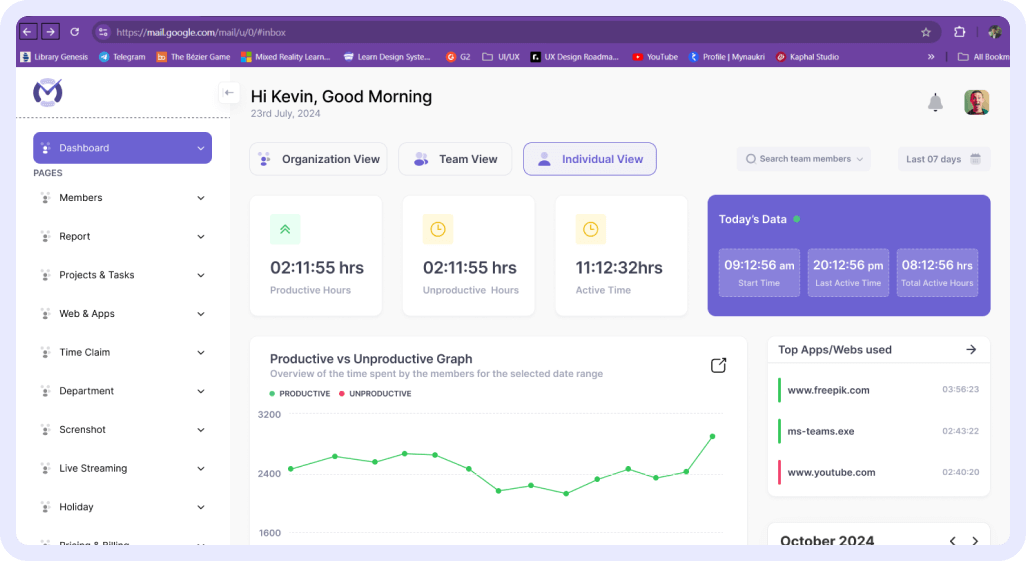
See active time, idle time, app usage, website usage, and productivity patterns in one place.

Early productivity signals

Spot work patterns early and understand what may be slowing teams down before performance drops.

Less chasing, more clarity

Get real-time team status, screenshots, attendance, and activity insights without constant follow-ups.

Data-backed workforce decisions

Use clear work-hour, productivity, and project-time insights to review performance and plan workloads fairly.

See What’s Happening During Work Hours

See What’s Happening Across Your Team

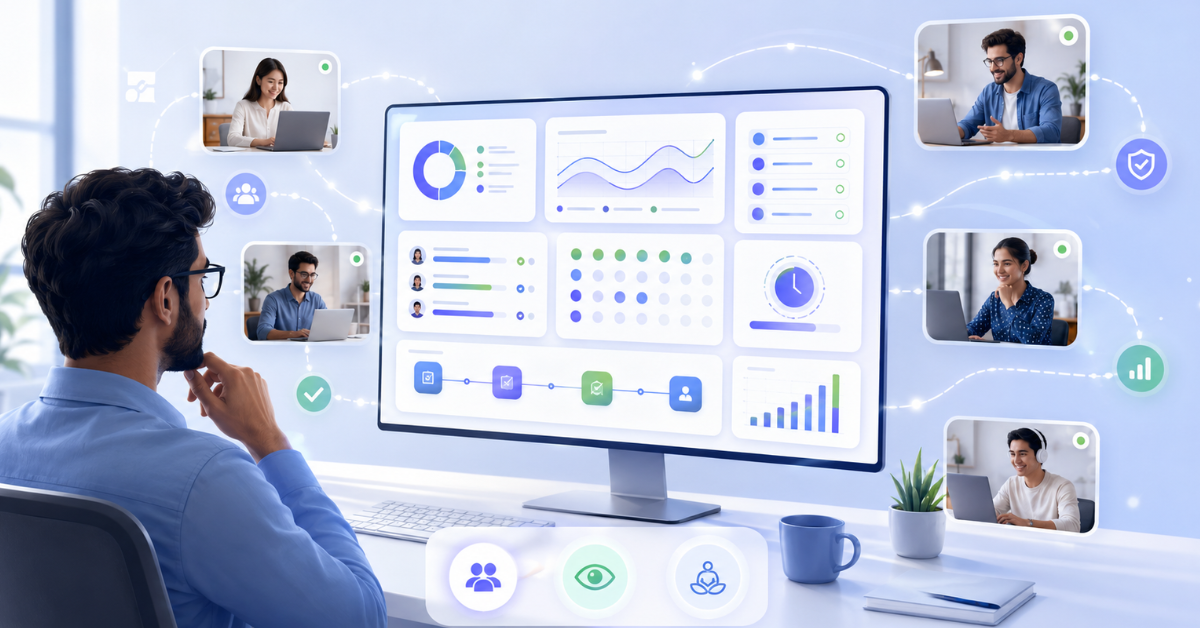
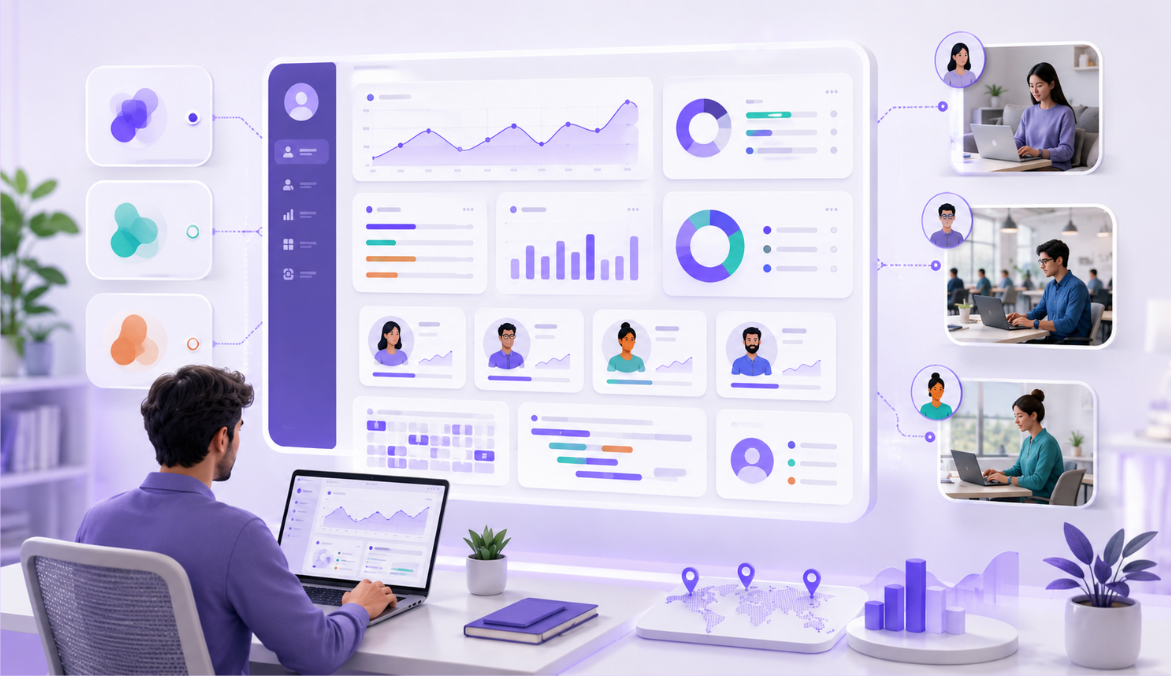
Know who is working, idle, or offline in real time, understand how work hours are being spent, and spot productivity patterns without relying on manual updates. 

Understand individual work patterns

Active, idle, and offline visibility

Productivity patterns at a glance

Add Context to Work Progress

Review time-stamped screenshots by employee and time range to better understand work activity, identify patterns, and make follow-ups more objective. 

Time-stamped screenshots

Employee and time-range view

Clearer context for follow-ups

Understand App and Website Usage

See which apps and websites employees use during work hours, so you can understand what supports work, what creates distractions, and where better focus or tool guidance may be needed. 

Track productivity trends

Spot distractions

Improve team focus

Get Real-Time Clarity When Needed

View employee work activity during working hours when immediate clarity is needed, so managers can understand progress, support teams faster, and respond with better context.

Live work visibility

Faster team support

Better context in real time

Everything you need to improve team productivity —without micromanaging

Keep Work-Hour Records Accurate 

Track Employee Attendance Automatically

View logged hours, expected hours, holidays, and untracked days in one place, so attendance reviews become easier and manual follow-ups reduce. 

Logged vs expected hours 

Holiday and untracked day view

Fewer manual attendance checks 

Understand Where Project and Task Time Goes

See how much time employees spend on projects and tasks, so you can plan workloads better, review utilization, and make delivery decisions with clearer work-hour data.

Project and task-wise time view

Better workload planning

Clearer utilization data  

Capture Work Hours Even When Teams Go Offline

Track work hours and activity during internet interruptions, then sync the data automatically once the connection is restored, so records stay complete and accurate.

Offline work-hour tracking

Automatic sync after reconnecting  

Complete productivity records 

Record Productive Time Away from the Computer

Let employees claim time spent in meetings, client calls, field work, or other offline activities, so important work done away from the screen is still counted. 

Meeting and field work time claims 

Offline activity recording

More accurate work-hour data

Everything you need to improve team productivity —without micromanaging

Improve Productivity With Clarity and Fairness 

Find Productivity Gaps Early

Identify idle time, distractions, and changing productivity patterns before they affect output, so managers can understand what is slowing work down and support better work habits

Idle time insights  

Productivity trend visibility

Early signals for action

Respect Personal Time with Privacy Controls

Allow employees to turn off Mera Monitor outside work hours when using personal devices, so tracking stays transparent, fair, and focused only on work time.

Outside work-hours control 

Personal-device friendly

Transparent work-time tracking 

Turn Work Data Into Clear Insights With AI

Get daily and weekly summaries, spot unusual work patterns, and ask questions about productivity, workload, or overtime, so managers can find important insights faster without reviewing multiple reports manually. 

Daily and weekly summaries 

Unusual pattern detection

Prompt and voice-based answers  

Everything you need to improve team productivity —without micromanaging

Employee Monitoring Features Built for Productivity Insights

See Workforce Productivity briefly 

Validate Work Progress With Visual Context
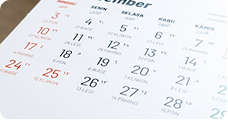
Track Attendance Without Manual 
 Follow-Ups
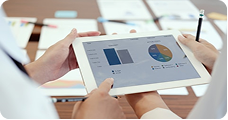
Understand Where Project Time Is Really Going
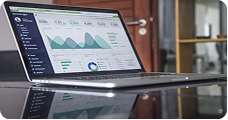
Identify Productivity Gaps Before They Grow 

Get Real-Time Visibility When It Matters 
Know Which Apps and Websites Shape Productivity

Capture Work Time Even Without Internet 
Protect Personal Time With Privacy Controls 

Book a free 30 min live demo to see Mera Monitor features in action

Use Mera Monitor Wherever Work Happens on Computers

IT Industry

Our team of seasoned professionals brings years of experience and expertise to the table.

Remote Teams

Understand work progress across distributed employees without relying only on daily updates or check-ins.

Support Team

Review shift-based work activity with better visual context and accountability.

Hybrid Teams

Create consistent visibility for employees working from home and office.

Agencies Consulting Teams

Support project reviews and client delivery discussions with time-stamped work context.

Operations Delivery Managers

Identify gaps in execution, workload movement, and daily work progress faster.

How Mera Monitor’s Employee Monitoring Software Works?

Create Your Account 

Set up your Mera Monitor account and configure your workspace with basic company, team, and user settings.

Invite Your Team

Add employees, assign roles, and bring your team into the platform so workhour and activity visibility can begin.

Set Workflows and Policies

Define work hours, tracking preferences, access roles, and productivity rules that match how your organization works.

Start Getting Work Insights 

Once setup is complete, Mera Monitor starts showing attendance, active time, idle time, app usage, screenshots, and productivity patterns in one dashboard. 

Ready to turn work data into decisions?

Trusted by teams in India and globally to cut waste and drive real performance with Mera Monitor.
Available On

PRIVACY & SECURITY 

End-to-end data protection  

Secure access and authentication   

Role-based access control

Audit logs and activity tracking  

Reliable backup and disaster recovery

The Ultimate Guide to Employee Screen Monitoring Software

Create Your Workspace

After signing up on Mera Monitor, create your company workspace and add the basic details needed to get started. This workspace becomes the central place where admins manage users, roles, monitoring settings, attendance, reports, and productivity insights.
Best used for: It helps you keep employee monitoring structured from the beginning instead of managing work-hour visibility through scattered tools or manual updates.

Invite Employees to Mera Monitor

Once your workspace is ready, invite employees to join your Mera Monitor account. Employees can be added based on teams, departments, or reporting structures, making it easier to organize users and review work activity later.

Decide in advance:
This helps teams start with a clear setup, especially when work is happening across remote, hybrid, or office environments.

Assign Admin, Manager, and User Roles

Mera Monitor supports role-based access so every person gets the right level of visibility. Admins can manage platform settings and users, managers can review assigned team members, and users can access the platform based on their role.
Why it matters:
Role-based access keeps employee monitoring controlled, relevant, and transparent. Managers see only the users they are authorized to review, instead of having unnecessary access to everyone’s data. .

Install the App on Employee Computers

To start tracking work activity, the Mera Monitor app needs to be installed on employee computers. Once installed and activated, it starts capturing work-hour data based on your configured settings.

Better review approach:
This may include active time, idle time, attendance, app usage, website usage, screenshots, online/offline activity, and productivity patterns.

Configure Work-Hour and Monitoring Settings

Admins can define how Mera Monitor should track work activity across the organization. You can configure work hours, user roles, attendance preferences, and monitoring settings based on how your company operates.

Recommended practice:
This helps ensure the employee monitoring software follows your internal work policies instead of applying a one-size-fits-all setup.

Set Screenshot Capture Frequency

Mera Monitor allows admins to decide how frequently screenshots should be captured during work hours. This gives teams visual context when needed, without depending only on status updates or manual explanations.

Why it matters:
Screenshot settings help managers understand work progress with better context while keeping monitoring aligned with company rules and expectations.

Enable Live Screen Monitoring User-Wise

Admins can control live screen monitoring access user-wise. This means managers can view screens only for the users they are allowed to monitor, instead of having open access across the entire organization.

Why it matters:
This keeps live screen visibility more controlled, policy-aligned, and suitable for teams that need real-time clarity during work hours.

Review Work Insights from the Dashboard

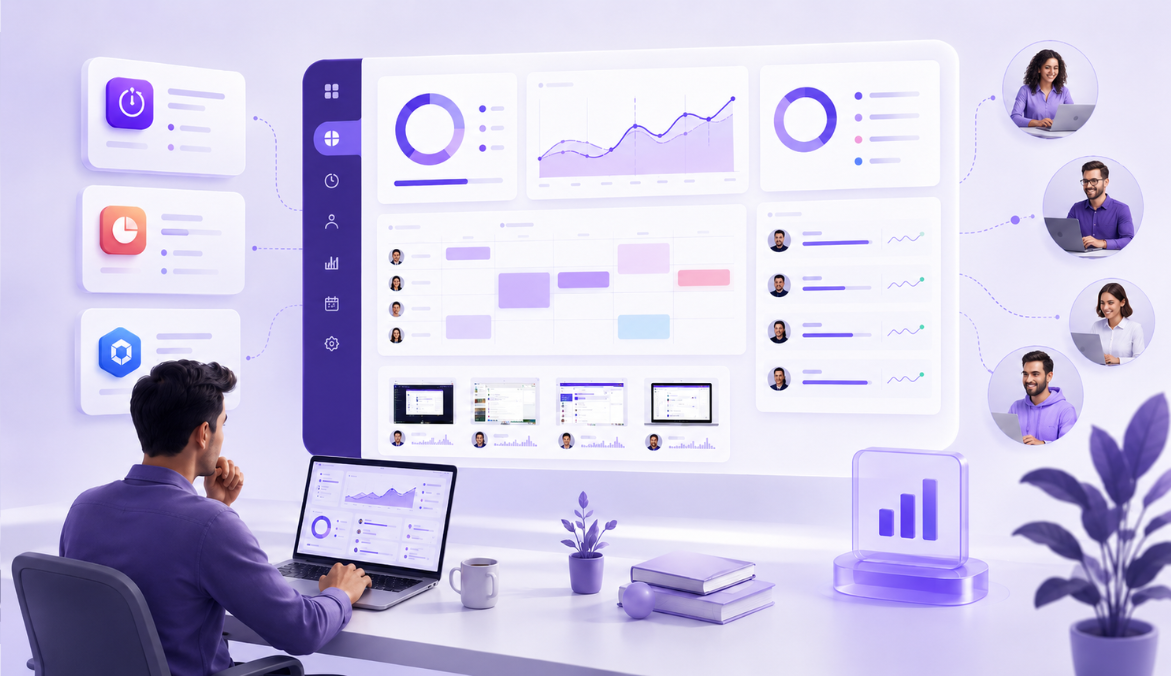
Once setup is complete, Mera Monitor starts showing useful work insights in one dashboard. Managers can review employee status, attendance, active time, idle time, app usage, website usage, screenshots, and productivity patterns without constant follow-ups.
This gives decision-makers a clearer picture of how work hours are being used and where teams may need support.

Use Reports for Fair Follow-Ups

Mera Monitor reports help managers review productivity patterns, attendance records, project time, idle time, and app or website usage before starting follow-up conversations.

Why it matters:
Instead of relying on assumptions, managers can use clear work-hour data to support fairer productivity reviews, better workload planning, and more meaningful team discussions. .

Keep Monitoring Transparent and Policy-Aligned

Employee monitoring works best when teams understand why it is being used and how the data will support productivity, accountability, and work clarity. Keep monitoring focused on work hours, define clear access rules, and review settings regularly. .
Mera Monitor helps organizations build visibility without turning work into micromanagement

One Platform. Built for Modern Teams. Trusted Across Industries.

One of the best and most accurate tracking tool
One of the best productivity tool in market.
Mera Monitor is a powerful and efficient employee tracking app that ensures seamless monitoring and productivity management. With its intuitive interface, real-time tracking, and robust features, it enhances transparency and efficiency.
This tool helps organizations monitor their employees effectively. It helps them to improve productivity and efficiency. The tool is pretty cool because it's got real-time monitoring features, like screen capture, live recording and live streaming with multiple Reports.
Its designed to enhance workplace productivity and efficiency. The tool offers real-time monitoring capabilities, including live streaming and screen capturing, which have been highlighted as unique features.