
Looking for a Simpler Insightful Alternative? Start here
No credit card required | Setup in minutes
- Time Doctor Alternative
Looking for a Better Time Doctor Alternative? Start Here
Compare Mera Monitor vs Time Doctor and see which tool actually gives you clear visibility, structured tracking, and better control over how work gets done.


- Decision Shortcut
Which One Should You Choose?
- Choose Mera Monitor if…
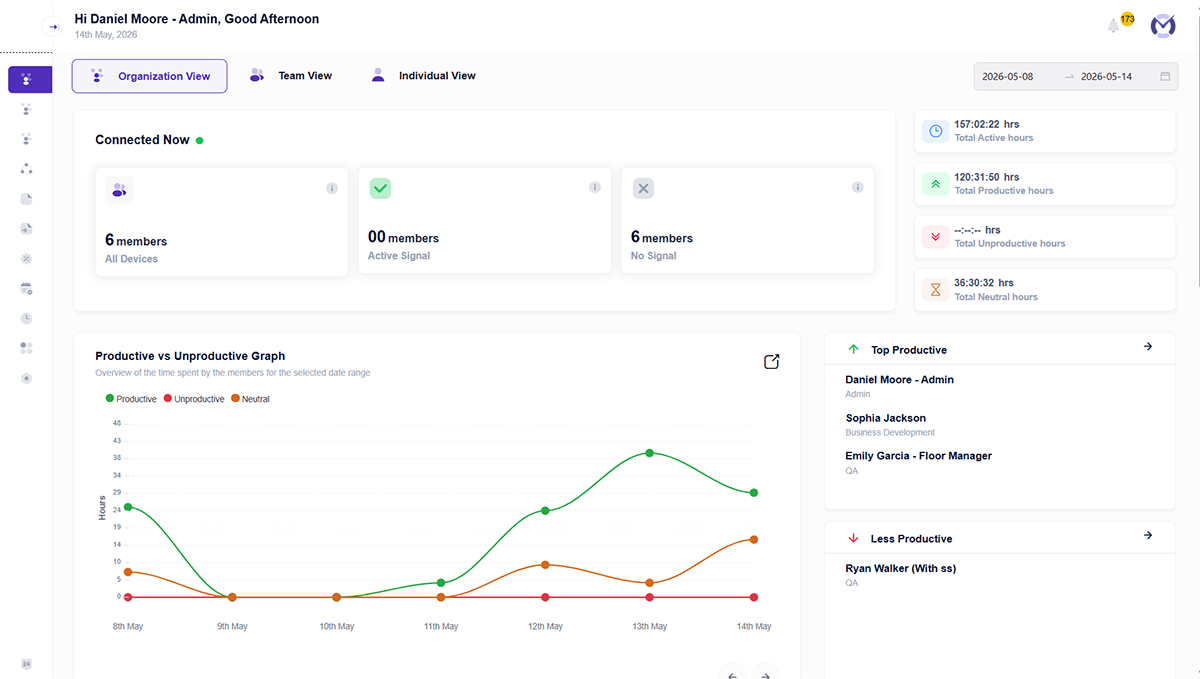
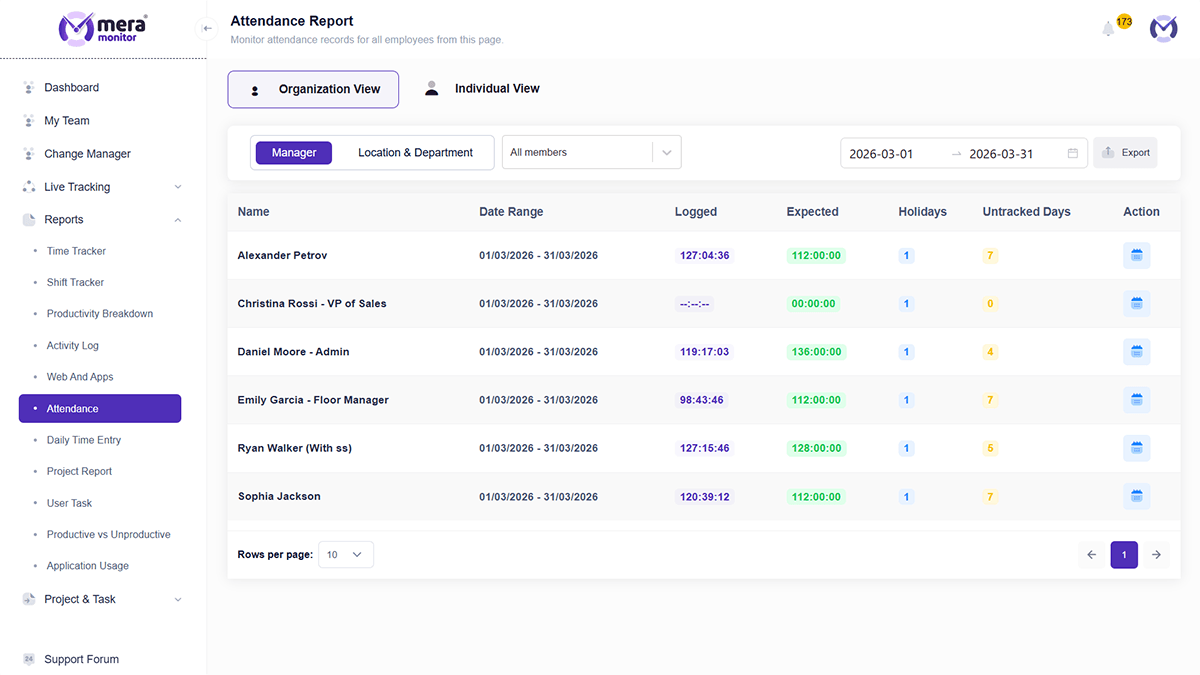
- You want clear visibility into work that’s easy to understand and act on daily
- You prefer a system where time data is straightforward to review and use for decisions
- You need quick, dependable insights for day-to-day operations
- You want a tool your team can start using with minimal setup and guidance
- You prefer a simpler, more intuitive experience for both managers and teams
- Choose Insightful if…
- You prefer working with detailed analytics and multiple reports to analyze performance over time
- You’re comfortable reviewing and validating time data across different views when needed
- You rely more on in-depth trend analysis before taking action
- You’re comfortable investing time in setup, configuration, and onboarding
- You’re okay working with a feature-rich platform that may require time to get fully comfortable with
- Why Insightful Alternative
Why Teams Start Looking Beyond Insightful
Time tracking accuracy becomes a concern
Some users mention issues around tracked hours, breaks, idle time, or missing time entries, which can affect payroll confidence and reporting accuracy.
Payroll and billing confidence is affected
When time data does not reflect actual work clearly, teams may worry about overpaying, undercounting, or spending extra time manually verifying records.
Support experience does not meet expectations
Several users highlight that timely, helpful support is important when time tracking or billing issues arise, especially during setup or trials.
Product bugs interrupt daily usage
Teams may look for alternatives when expected features behave inconsistently across users, devices, or workflows.
Reports need to be more flexible and easier to use
Some users find reporting useful but want more intuitive email reports, clearer summaries, or easier ways to customize insight
- Core Comparison
Mera Monitor vs Insightful — Feature & Pricing Comparison
| Features | Mera Monitor | Insightful |
|---|---|---|
| Monitoring & Tracking | ||
| Screen Monitoring / Capture | ✓ | Available (Add-on) |
| Live View / On-Demand Screens | ✓ | ✓ |
| Live Streaming / Recording | ✓ | Available (Add-on) |
| App & Website Usage Tracking | ✓ | ✓ |
| Keystroke & Mouse Tracking | ✓ | Limited / Not standard |
| User Activity Monitoring | ✓ | ✓ |
| Time Tracking | ✓ | ✓ |
| Offline Tracking | ✓ | Manual / Limited |
| Interactive Mode | ✓ | ✓ |
| Stealth Mode | ✓ | ✓ |
| Enable / Disable Tracker | ✓ | Limited |
| Productivity & Insights | ||
| Productivity Analysis & Reporting | ✓ | ✓ |
| Reports & Analytics Dashboard | ✓ | ✓ |
| App & Website Productivity Classification | ✓ | ✓ |
| Auto-Filled Timesheets | ✓ | ✓ |
| Stop Timer with Scheduled Breaks | ✓ | Limited |
| Smart Shift Monitoring | ✓ | Limited / Not structured |
| Work Mode (Remote / Hybrid / Office) | ✓ | Available via insights |
| Workforce & Operations | ||
| Attendance Insights | ✓ | ✓ |
| Time Claim & Approval Workflow | ✓ | Not available |
| Project & Task Time Tracking | ✓ | ✓ |
| Holiday Configuration | ✓ | Not standard |
| System, Setup & Control | ||
| Bulk User Onboarding | ✓ | Available |
| Guided Self Setup | ✓ | Requires setup & configuration |
| Role-Based Access Control | ✓ | ✓ |
| Single Sign-On (SSO) | ✓ | ✓ |
| GAPI & Integrations | ✓ | ✓ |
| Private Cloud Deployment | ✓ | Available (Extra cost) |
| Data Retention | Up to 3 months | Up to 24 months |
| Dedicated Success Manager | ✓ | Available (Enterprise) |
| Pricing | ₹250/user/month billed annually | ₹762/user/month (approx) billed annually |
- Pricing Calculator
How Much Are You Actually Overpaying?
Even a small difference per user can significantly impact your total cost as your team grows.
- Getting Started
Ready to Switch from Insightful to Mera Monitor?
Set Up Your Workspace
Create your account and access the admin dashboard to configure your organization settings.
Add Your Team
Add users individually or in bulk with essential details like name, email, and role.
Activate Users
Send activation emails so team members can activate their accounts and get started.
Start Tracking Work
Once users install and activate the tracker, Mera Monitor starts capturing work activity based on your configured settings.
- Why Mera Monitor
Why Teams Choose Mera Monitor Over Insightful
All essential features in one plan
No need to rely heavily on add-ons or upgrades for core work visibility.
Clear visibility into how work happens
Not just analytics dashboards — practical understanding of daily work patterns.
Built for simplicity and adoption
Teams don’t need a long learning curve to get started.
Structured reporting for better decisions
Insights that help managers act, not just analyze more data.
Flexible control with role-based access
Right data, to the right people.
- Feature Spotlight
What Mera Monitor Does Differently from Insightful
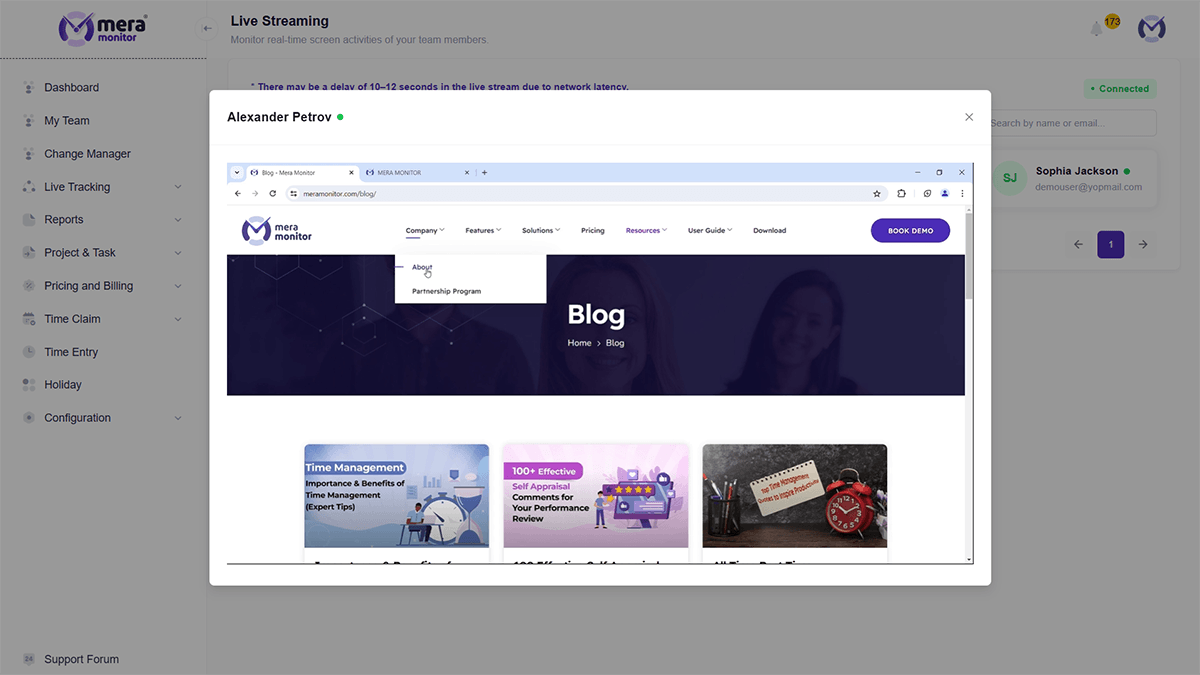
Live Screen Streaming (Not Just Add-ons)
See work in real time — not just through stored screenshots or reports.
- View employee screens live when needed
- Get immediate visibility into ongoing work
- Reduce dependency on delayed or stored data
- Insightful: Screenshots and video recording are available as add-ons
Offline Time Tracking
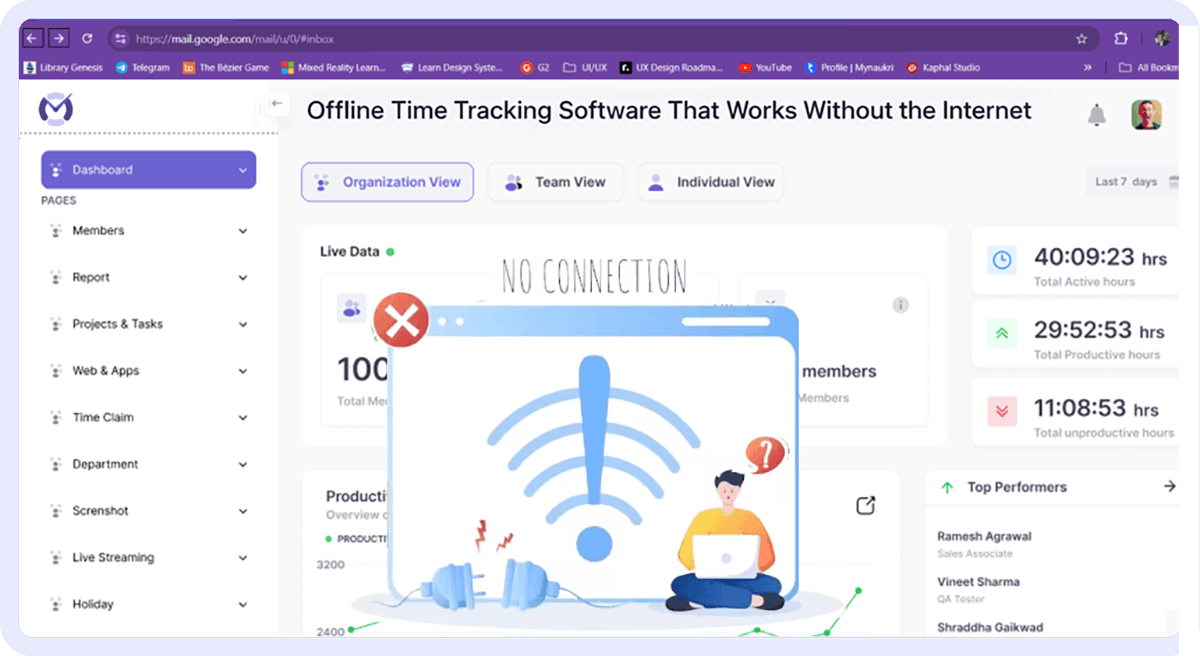
Track work even when internet connectivity is inconsistent.
- Continue tracking without active connection
- Sync data automatically once back online
- Avoid gaps in activity and time logs
- Insightful: Offline tracking is available in a limited/manual form
Time Claims and Approval Workflows
Manage time corrections and approvals directly within the system.
- Employees can submit time claims
- Managers can review and approve entries
- Keep time records aligned with actual work
- Insightful: Time claim and approval workflows are not available as a standard feature


Built-in Work Scheduling and Control
Support structured work tracking beyond basic time logs.
- Smart shift monitoring
- Stop timer with scheduled breaks
- Holiday configuration
- Insightful: Some scheduling features are limited or not structured in the same way
More Control Over Tracking Behavior
Give teams flexibility in how tracking is managed.
- Enable / disable tracker
- Configure screenshot frequency
- Set idle alerts
- Insightful: Tracking controls may vary or be limited depending on plan or setup

- Testimonials
What Teams Say About Mera Monitor


- FAQs
Insightful Alternative FAQs
If you want simpler work visibility with built-in tracking and workflows, Mera Monitor is a strong alternative.
Teams that prefer quick insights and simpler workflows often find it easier to adopt, especially compared to multi-dashboard setups.
Yes, Insightful focuses on detailed analytics and dashboards, with some features depending on plan or add-ons.
For quick, actionable insights, simpler tools work better. For deep analysis, Insightful may be suitable.
Yes, it includes time claims, approvals, and attendance insights as part of the core system.
Some features, like screenshots or recordings, may vary by plan or be available as add-ons.
Yes, most teams can transition smoothly with guided setup and onboarding.


