
Looking for a Better Time Doctor Alternative? Start Here
Compare Mera Monitor vs Time Doctor and see which tool actually gives you clear visibility, structured tracking, and better control over how work gets done.
No credit card required | Setup in minutes
- Time Doctor Alternative
Looking for a Better Time Doctor Alternative? Start Here
Compare Mera Monitor vs Time Doctor and see which tool actually gives you clear visibility, structured tracking, and better control over how work gets done.


- Decision Shortcut
Which One Should You Choose?
- Choose Mera Monitor if…
- You want clear, reliable visibility into how work actually happens - not gaps or inconsistent tracking
- You want a system that supports your team without feeling like micromanagement
- You want everything in one place - tracking, attendance, and insights — without switching tools
- You need insights that help you make faster, better decisions - not just raw logs
- You prefer a tool that’s simple to use and easy for teams to adopt
- Choose Time Doctor if…
- You’re okay relying on basic activity tracking, even if it may not always reflect full work context
- You’re comfortable with strict monitoring approaches, even if they feel intrusive to teams
- You’re fine managing time tracking separately from other workflows
- You mainly need activity logs and basic reports
- You’re okay with a setup that may require adjustment or ongoing effort to manage
- Why Alternatives
Why Teams Start Looking Beyond Time Doctor
Tracking doesn’t always reflect actual work accurately
Inconsistent screenshots, missed activity, or gaps in tracking can reduce confidence in the data teams rely on.
Limited access to features based on team size or plans
Some features may only be available under specific conditions or tiers, which can impact usability for smaller teams.
Monitoring can feel like micromanagement
Overly frequent tracking, strict controls, or excessive visibility can impact team comfort and trust.
Reporting and navigation require extra effort
Accessing insights or finding the right data can sometimes involve multiple steps, slowing down decision-making.
Billing and support experience can impact trust
Teams may look for clearer pricing structures and more responsive support when evaluating long-term tools.
- Core Comparison
Mera Monitor vs Time Doctor
| Features | Mera Monitor | Time Doctor |
|---|---|---|
| Monitoring & Tracking | ||
| Employee Monitoring | ✓ | ✓ |
| Live Streaming | ✓ | × |
| Screenshots | ✓ | ✓ |
| Screenshot Frequency Adjustment | ✓ | ✓ |
| Blur Screenshots | ✓ | ✓ |
| Keystrokes & Mouse Tracking | ✓ | ✓ |
| Enable / Disable Tracker | ✓ | × |
| Idle Alerts | ✓ | × |
| Auto Start Desktop Timer | ✓ | ✓ |
| Email Notifications | ✓ | ✓ |
| Offline Tracking | ✓ | × |
| Private Mode | ✓ | × |
| Attendance & Workforce Management | ||
| Attendance | ✓ | × |
| Leaves Management | ✓ | × |
| Employee Claiming the Time | ✓ | Limited |
| Holiday List | ✓ | × |
| Productivity Insights & Reporting | ||
| Multiple Reports Generation | ✓ | Limited |
| In Depth Screenshot Insights | ✓ | × |
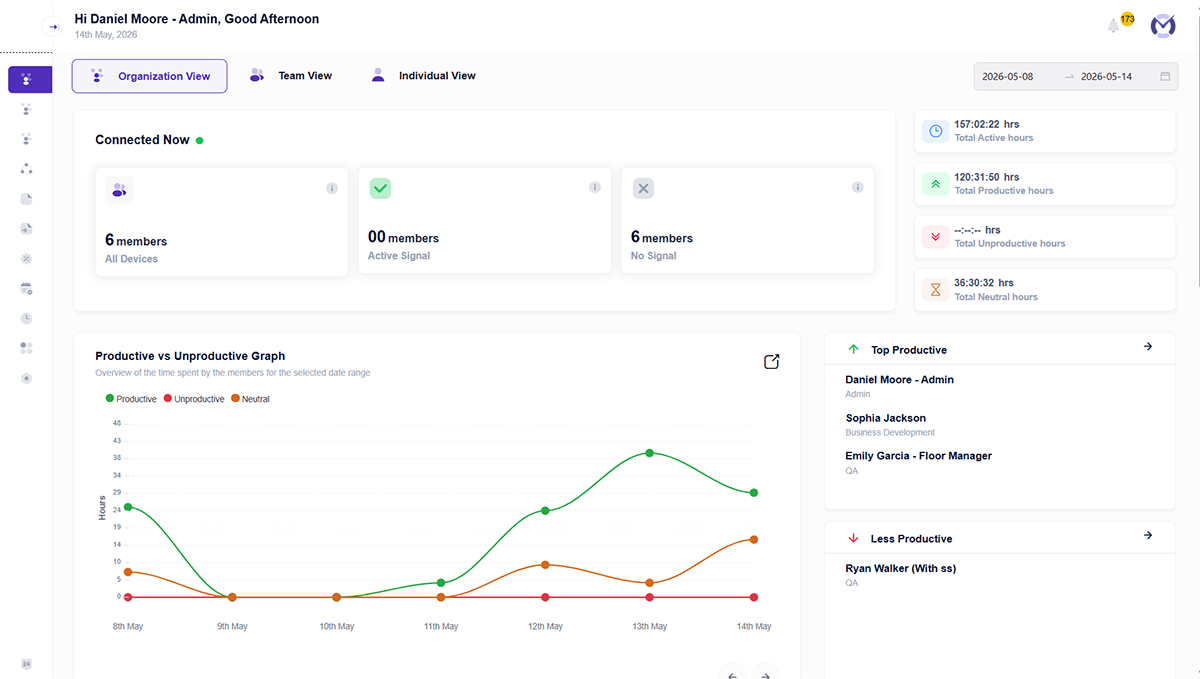
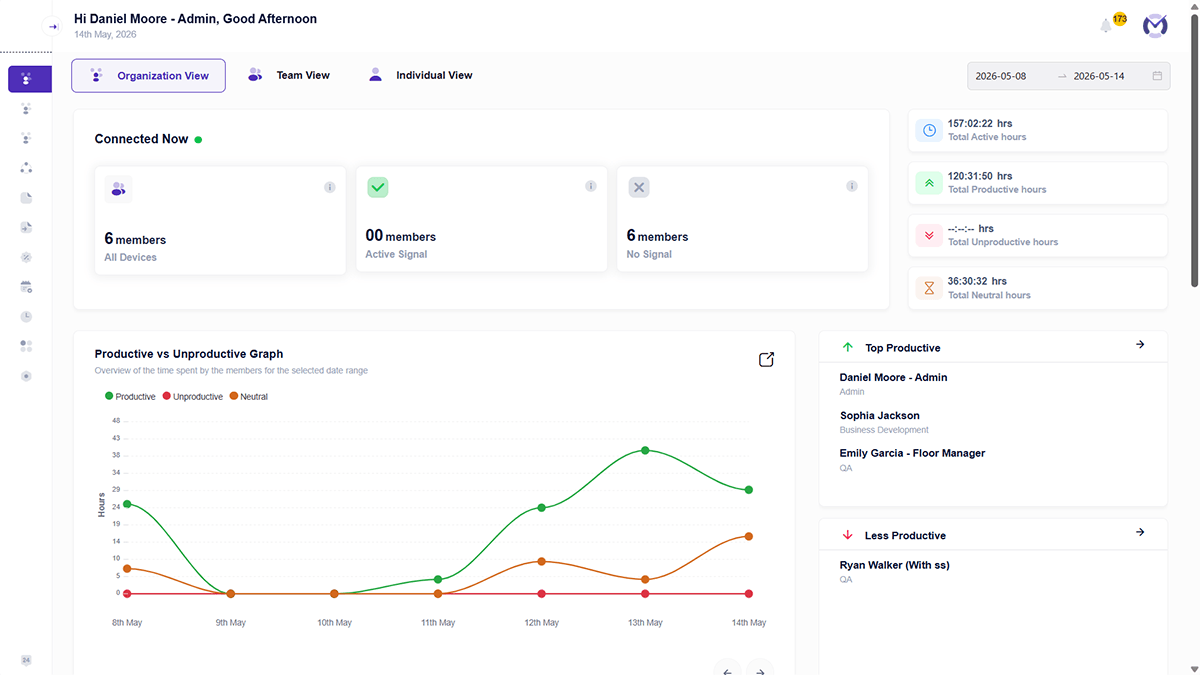
| Dashboards | ✓ | × |
| Auto Email Reports | ✓ | × |
| Project, Task & Access Control | ||
| Project & Task Management | ✓ | × |
| Role Based Access | ✓ | × |
| Setup & Pricing | ||
| Simple Installation | ✓ | × |
| Pricing | ₹250/user/month billed annually | ₹634/user/month (approx) billed annually |
- Pricing Calculator
How Much Are You Actually Overpaying?
Even a small difference per user can significantly impact your total cost as your team grows.
- Getting Started
Ready to Switch from Time Doctor to Mera Monitor?
Set Up Your Workspace
Create your account and access the admin dashboard to configure your organization settings.
Add Your Team
Add users individually or in bulk with essential details like name, email, and role.
Activate Users
Send activation emails so team members can activate their accounts and get started.
Start Tracking Work
Once users install and activate the tracker, Mera Monitor starts capturing work activity based on your configured settings.
- Why Mera Monitor
Why Teams Choose Mera Monitor Over Time Doctor
All essential features in one plan
No need to upgrade for basic functionality.
Clear visibility into how work happens
Not just time logs—actual understanding of work patterns.
Built for simplicity and adoption
Teams don’t need training to get started.
Structured reporting for better decisions
Insights that help managers act, not just observe.
Flexible control with role-based access
Right data, to the right people.
- Feature Spotlight
What Mera Monitor Does That Time Doctor Doesn’t
If you’re evaluating alternatives, these are the features that actually change how your team works — not just how time is tracked.
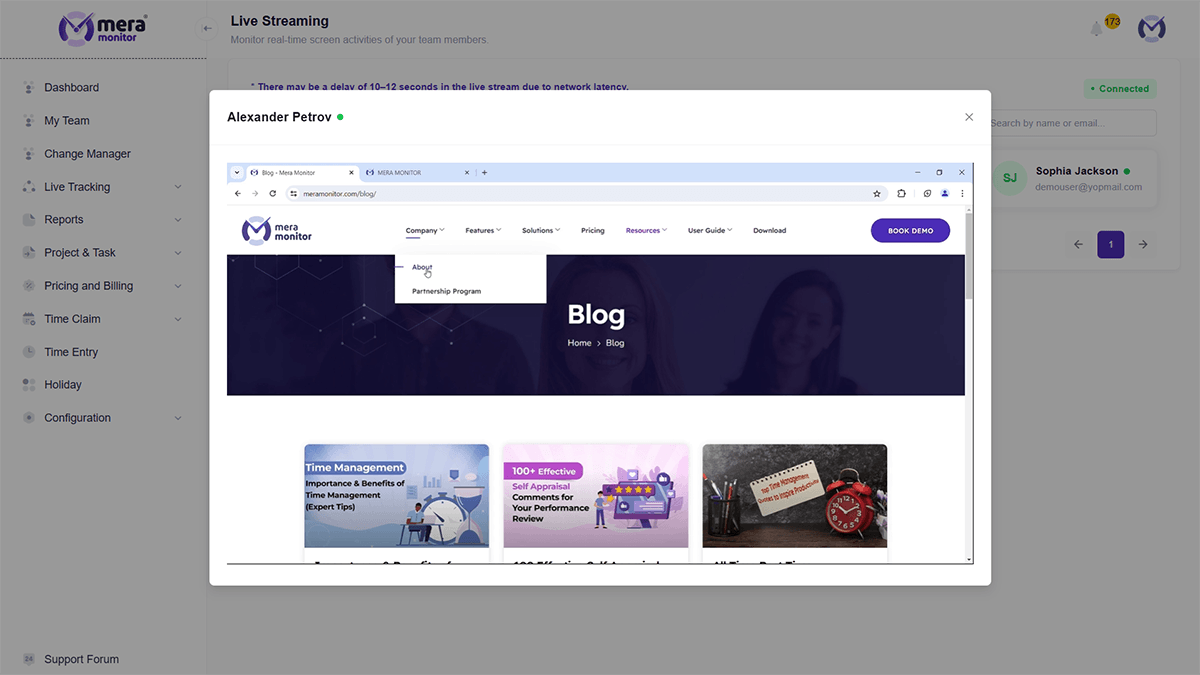
Live Screen Streaming
See work in real time — not just snapshots.
- View employee screens live when needed
- Go beyond periodic screenshots
- Get instant visibility without waiting for reports
- Time Doctor: No live streaming
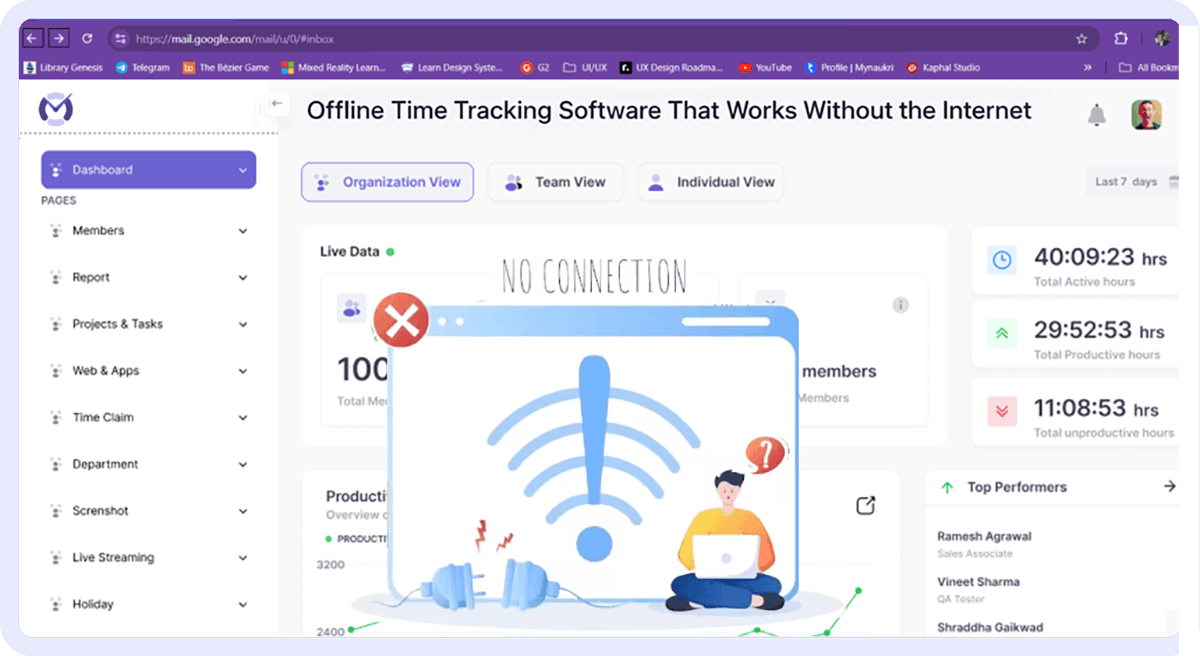
Offline Time Tracking
Track work even when internet drops.
- Continue tracking without active connection
- Sync automatically once online
- No gaps in productivity data
- Time Doctor: No offline tracking
Built-in Attendance & Leave Management
Manage attendance without separate tools.
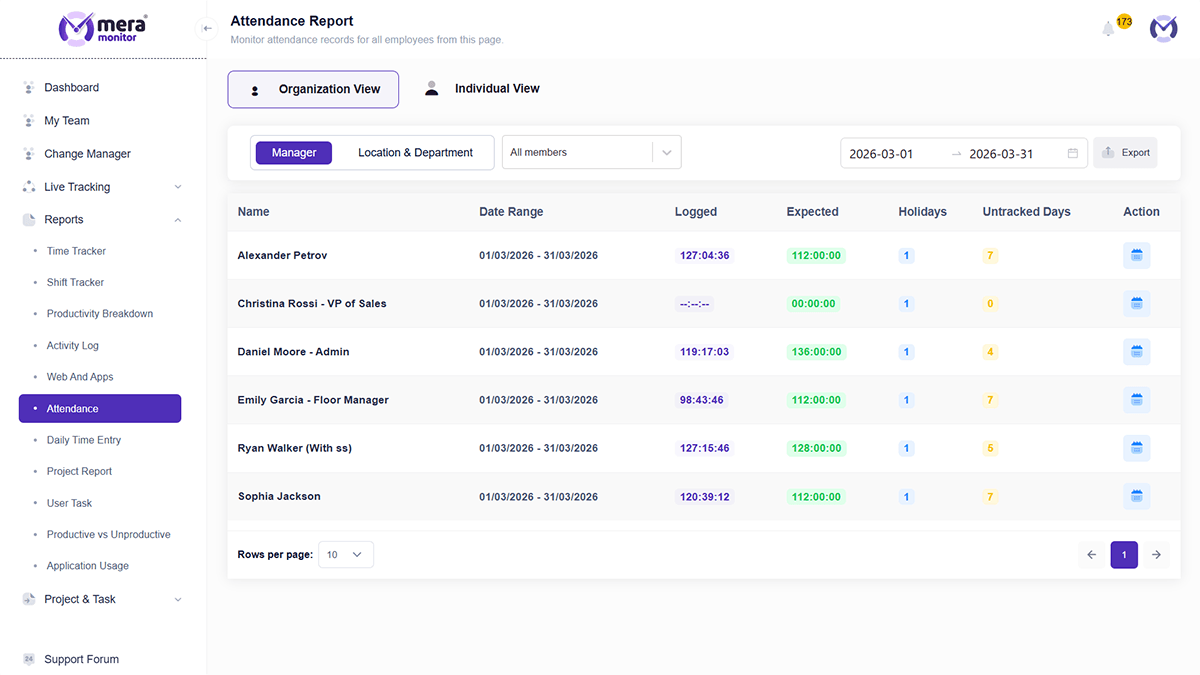
- Automatic attendance tracking
- Leave requests and approvals
- Holiday list configuration
- Time Doctor: Not available
Role-Based Access Control
Control who sees what — across your team.
- Admin, manager, and user-level access
- Secure visibility based on roles
- Better control over sensitive data
- Time Doctor: Limited or not structured
Advanced Reporting & Dashboards
Turn tracking data into decisions
- Multiple report types
- Central dashboards
- Auto email reports
- Time Doctor: Limited reporting

- Testimonials
What Teams Say About Mera Monitor


- FAQs
Time Doctor Alternative FAQs
If you're looking for more visibility and structured insights beyond time tracking, tools like Mera Monitor are commonly considered.
It depends on your needs. If you want broader visibility, structured reporting, and simpler workflows, Mera Monitor can be a better fit.
Yes. It combines time tracking with productivity insights, reporting, and team visibility.
Pricing varies by plan, but some teams explore alternatives when evaluating overall value and features.
Both tools support remote teams, but the right choice depends on whether you need only tracking or deeper visibility into work.
Most teams can switch tools without major disruption, especially when onboarding and setup are simple.


