User Activity Monitoring Software - Mera Monitor

User Activity Monitoring 01

Improve Workforce Decisions with User Activity Monitoring Software

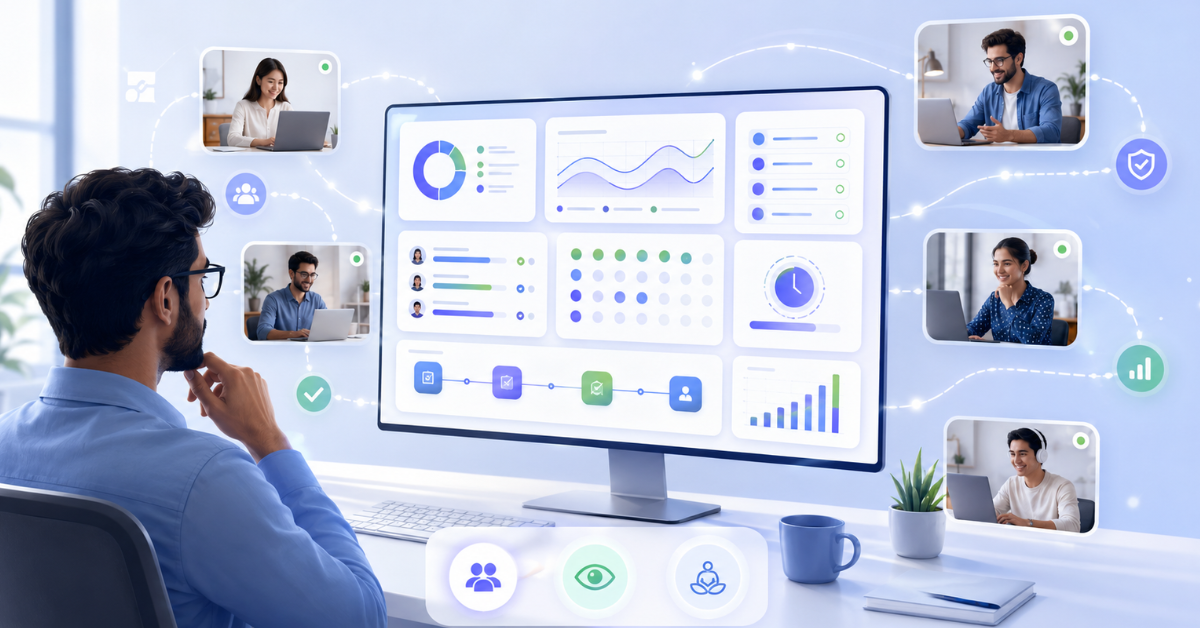
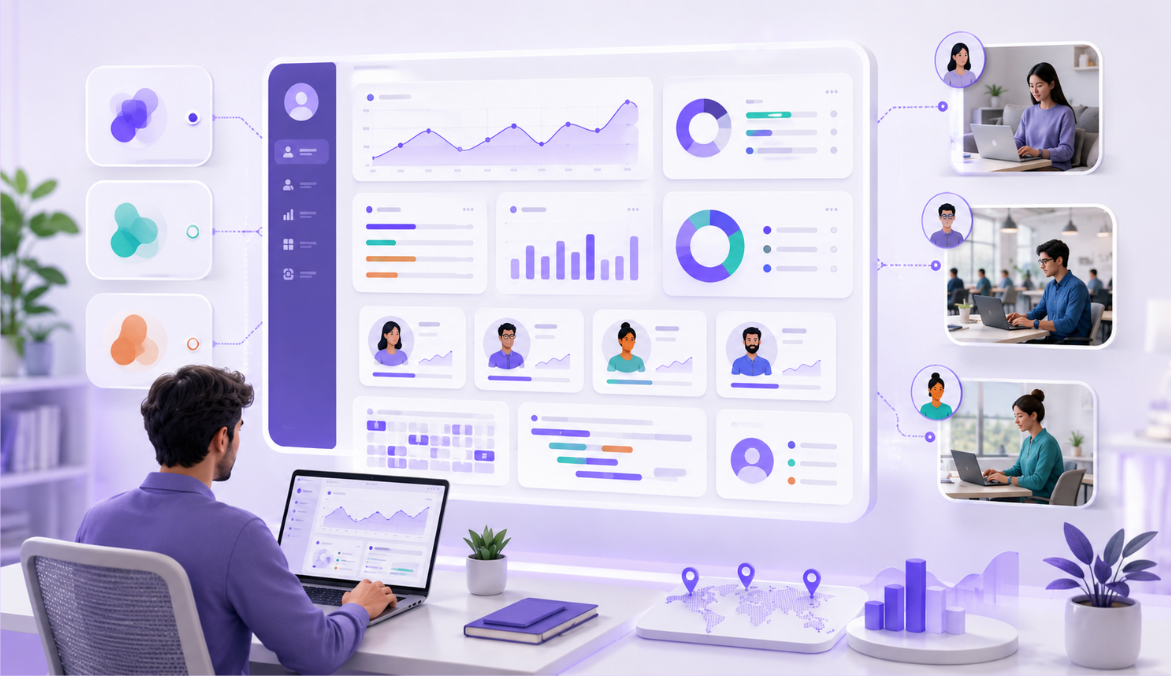
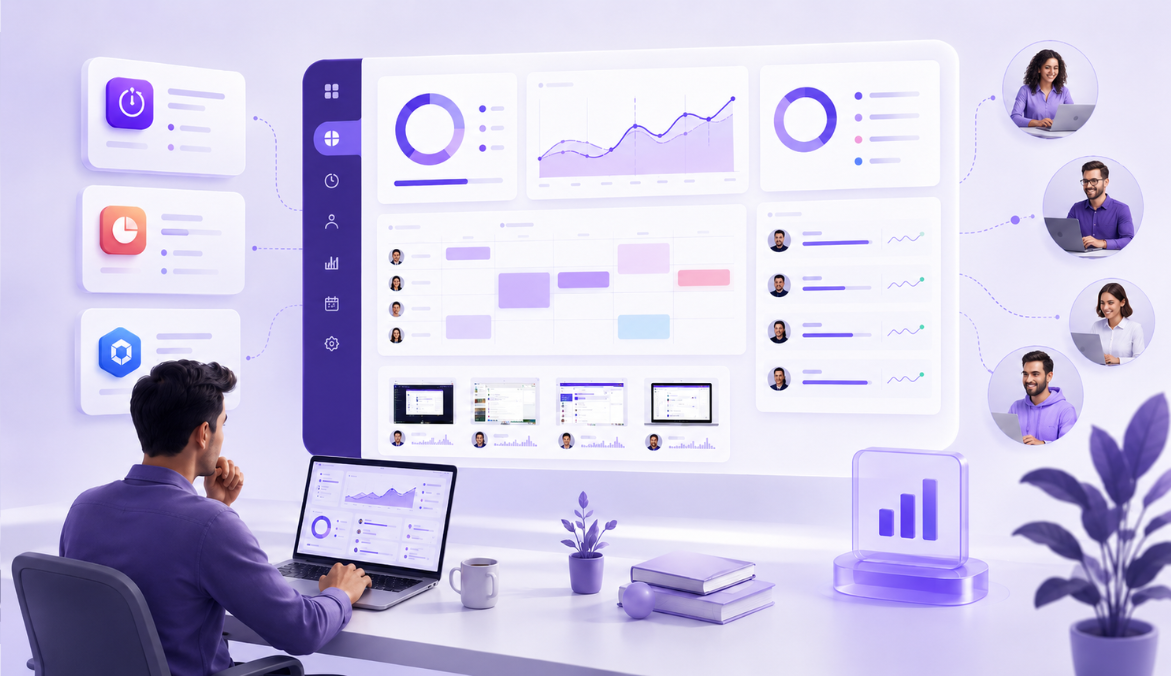
Turn daily work activity into clear, actionable insights. Mera Monitor’s user activity monitoring software helps leaders understand workload patterns, tool usage, active time, idle trends, and productivity signals — making it easier to improve workforce activity monitoring, identify gaps earlier, and support teams better.

⚡ Fast, free, and no card required

Make Better Productivity Decisions with Clear Work Context 

Without Clear User Activity Insights

Invisible Workload Imbalance

Managers may not see who is overloaded, who is underutilized, or where work pressure is silently building across teams.

Tool Fatigue & Workflow Friction

Teams may lose time switching between apps, using distracting websites, or working through inefficient digital workflows.

Subjective Productivity Reviews

Performance discussions may depend on assumptions, manual updates, or “hours online” instead of real work activity signals.

Operational Drift & Low-Value Work

Daily work can slowly move away from business priorities, with too much time spent on repetitive or low-value activities.

With Mera Monitor User Activity Monitoring

Spot workload patterns earlier

Track activity trends, prolonged active hours, idle patterns, and work intensity signals to support better workload balancing.

Understand app and website usage

Identify tool usage patterns, repeated distractions, and unnecessary app switching to improve workflow efficiency.

Make reviews more objective

Use activity data, active time, idle time, app usage, and website usage to support fairer and more specific productivity conversations.

Improve work alignment

Understand where employee time is going and identify patterns that may affect focus, execution, and high-value work.

User Activity Monitoring Features Built for Better Workforce Decisions

Identify Workload Gaps Before They Impact Performance

Understand how activity patterns vary across employees and teams. Mera Monitor helps managers identify prolonged active hours, repeated idle trends, and workload imbalance signals before they affect delivery, performance, or employee well-being.

Spot overloaded employees earlier

Review activity patterns and prolonged active time to identify employees who may be carrying excessive work pressure.

Identify underutilized capacity

Understand where activity levels are consistently low, so managers can review support needs, work allocation, or role clarity.

Balance team workload more fairly

Use user activity insights to support better workload distribution and reduce dependency on guesswork.

Reduce Tool Fatigue and Digital Work Friction

Understand how employees use apps and websites during work hours. Mera Monitor helps teams identify repeated distractions, unnecessary tool switching, and workflow friction that may slow down productivity.

Review app and website usage patterns

See which applications and websites are used during work time to understand digital work behavior more clearly.

Identify repeated distractions

Spot usage patterns that may affect focus, productivity, or daily execution.

Improve software and workflow decisions

Use activity insights to understand whether tools are supporting work or creating avoidable friction.

Make Productivity Reviews More Objective

As an employee activity monitoring software, Mera Monitor helps managers review work activity signals with context instead of depending only on assumptions or manual updates.

Understand real work patterns

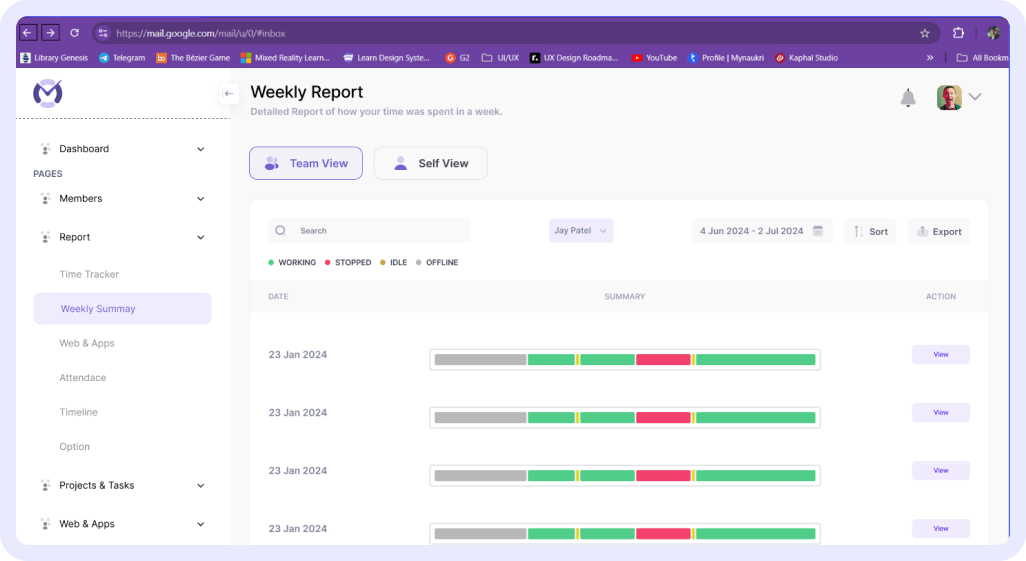
Review user activity data to understand how work time is spent across active, idle, productive, and unproductive periods.

Support fairer performance conversations

Use objective activity insights to make follow-ups more specific, balanced, and data-backed.

Recognize consistent contributors

Identify employees who show steady focus and work consistency, even if their contribution is less visible in daily updates.

Keep Daily Work Connected to Business Priorities

Daily work can slowly shift toward repetitive, low-value, or distracting activities. Mera Monitor helps leaders understand where time is going, so teams can stay focused on work that matters.

Identify low-value time usage

Understand whether work hours are being spent on focused tasks, repetitive routines, or avoidable distractions.

Improve execution visibility

Give managers clearer insight into whether daily activity is aligned with team goals and delivery priorities.

Bring focus back to high-impact work

Use user activity monitoring to support better planning, sharper execution, and more productive work habits.

Where User Activity Monitoring Software Helps Most

Remote Teams

Understand how work time is being used across distributed employees, applications, websites, and daily work activities without relying only on status updates.

Hybrid Teams

Maintain consistent work visibility for employees working from the office, home, client locations, or different schedules.

BPO and Support Team

Review active time, idle time, shift activity, and tool usage patterns to manage availability, response discipline, and team productivity more clearly.

IT and Service Teams

Understand how employees are using work-related systems, business applications, and websites while handling internal tasks or client service work.

Operations Teams

Identify work pattern gaps, repeated idle trends, non-work usage, and execution delays that may affect daily output.

Project and Delivery Teams

Connect work activity with project execution by understanding how time is spent across tools, tasks, and delivery-related activities.

HR and Workforce Teams

Use activity insights to support fairer productivity discussions, attendance reviews, workload planning, and work policy decisions.

Admin and Compliance Teams

Maintain clearer activity records across users and departments to support internal monitoring rules, access control, and policy alignment.

Ready to turn work data into decisions?

Trusted by teams in India and globally to cut waste and drive real performance with Mera Monitor.
Available On

User Activity Monitoring Built with Privacy in Mind

Mera Monitor helps organizations improve work visibility while keeping user activity monitoring transparent, secure, and focused on work-related activity during defined work hours.

Configurable Activity Tracking Rules

Set activity monitoring preferences based on your organization’s work policy, team structure, and productivity visibility needs.

Productive and Unproductive Category Controls

Admins can categorize applications and websites as productive or unproductive based on the company’s work policy, department needs, and role-specific requirements.

Work-Hour Based Monitoring

Track user activity during defined working hours so monitoring stays aligned with business time and workplace expectations.

Role-Based Activity Access

Ensure activity reports, app and website usage data, and productivity insights are visible only to authorized users based on their role and responsibility.

Application and Website Visibility Controls

Review app and website usage in a structured way to understand work patterns, productivity trends, and non-work usage without unnecessary exposure beyond business needs.

Personal Time Protection

Allow employees using personal devices to turn off Mera Monitor outside work hours, helping separate work tracking from personal time.

Transparent Activity Monitoring

Help employees understand what activity data is tracked, when it is tracked, and how it is used to improve work visibility and productivity decisions.

Secure Activity Records

Keep user activity data organized and accessible only to the right people, supporting better accountability, internal policy alignment, and responsible monitoring.

How to Use Screenshot Monitoring the Right Way

Screenshot monitoring works best when it is used with clear policies, controlled access, and the right context. Mera Monitor helps teams review work activity during work hours while keeping screenshot settings aligned with company policy and privacy expectations.

What is activity monitoring software?

Activity monitoring software helps businesses understand how employees spend their work time across applications, websites, systems, and daily work activities. It gives managers better visibility into active time, idle time, tool usage, and overall work patterns during working hours.

How does Mera Monitor help with activity monitoring?

Mera Monitor helps managers review employee activity through active time, idle time, application usage, website usage, productivity trends, and work pattern reports. This helps teams understand how work is happening without depending only on manual updates or assumptions.

Why do companies use activity monitoring software?

Companies use activity monitoring software to improve work visibility, identify productivity gaps, reduce manual follow-ups, support remote and hybrid teams, and make better decisions around time usage, workload, and team performance.

Is activity monitoring the same as employee surveillance?

No. Activity monitoring is not about watching employees continuously. When used transparently and responsibly, it helps managers understand work patterns, support productivity, and make fairer decisions with better context.

What type of employee activity can be monitored?

Mera Monitor can help track active time, idle time, application usage, website usage, productive and unproductive activity, and daily work patterns. These insights help managers understand how employees are using their work hours.

Can activity monitoring help remote and hybrid teams?

Yes. Activity monitoring is useful for remote and hybrid teams because it gives managers visibility into work activity across different locations, schedules, and devices. This reduces dependency on frequent check-ins and manual status updates.

How does activity monitoring help improve productivity?

Activity monitoring helps identify repeated idle trends, non-work-related usage, tool usage patterns, and gaps in daily work activity. Managers can use these insights to improve planning, support employees better, and address productivity issues early.

Is idle time always a sign of low productivity?

No. Idle time does not always mean an employee is not working. It may happen during calls, meetings, discussions, offline work, breaks, or system delays. Managers should review idle time trends with proper context instead of judging isolated moments.

How is activity monitoring different from screenshot monitoring?

Activity monitoring focuses on work signals such as active time, idle time, app usage, website usage, and productivity patterns. Screenshot monitoring gives visual context of what was happening on the screen during tracked work hours. Both features can support work visibility, but they serve different purposes.

Who should use activity monitoring software?

Activity monitoring software is useful for remote teams, hybrid teams, BPO and support teams, IT service teams, operations teams, project teams, HR teams, and managers who need clearer visibility into work activity and productivity patterns.

Can activity monitoring support fair performance discussions?

Yes. Activity monitoring gives managers objective work activity data that can support performance conversations. However, it should be reviewed along with task progress, work quality, priorities, workload, and employee context.

How can companies use activity monitoring responsibly?

Companies should clearly communicate monitoring policies, track activity only during work hours, limit access to authorized users, and use activity data to improve visibility, support employees, and make better decisions rather than create pressure.

Is Mera Monitor an employee productivity monitoring software?

Yes. Mera Monitor helps teams monitor productivity signals such as active time, idle time, application usage, website usage, productive and unproductive activity, and work patterns. It supports better work visibility without relying only on attendance or manual status updates.

FAQs

Screenshot monitoring software captures screen images during defined work hours to help managers understand work activity, progress, and productivity patterns with better context.

Mera Monitor captures time-stamped screenshots based on company-defined settings, so teams can review work activity more objectively and reduce guesswork during productivity follow-ups.

Mera Monitor captures time-stamped screenshots during tracked work time based on your organization’s configured rules.

Managers can review screenshot records by employee, date, and time range to understand what happened during specific work periods. They can also connect screenshots with activity data, attendance, app usage, website usage, and productivity insights.

A screenshot monitor helps managers review work progress with visual context instead of depending only on manual updates or assumptions.

It helps them understand whether work was moving forward, where productivity gaps may exist, and when a follow-up conversation needs more context.

Yes. Admins can configure screenshot capture settings based on company policy, work-hour rules, privacy expectations, and access requirements.

Organizations can define how screenshot monitoring should work, who can access screenshot records, and whether privacy-friendly options such as blurred screenshots should be enabled.

Yes. Mera Monitor supports blurred screenshots to help reduce exposure of sensitive screen details while still keeping useful work context available.

This helps businesses balance employee privacy with the need for work visibility.

Employee screenshots can be viewed only by authorized users based on role-based access permissions.

Organizations can limit screenshot access to managers, admins, or selected decision-makers who need the data for work review, productivity analysis, or accountability discussions.

Mera Monitor is designed to keep screenshot monitoring focused on defined work hours.

For employees using personal devices, tracking can be turned off outside work hours based on company policy. This helps protect personal time and supports a more transparent monitoring approach.

Yes, when it is used with clear policies, work-hour limits, role-based access, and transparent communication.

Mera Monitor helps organizations use screenshot monitoring responsibly with configurable screenshot rules, blurred screenshots, and controlled access. This helps businesses maintain work visibility while reducing unnecessary exposure of sensitive information.

Yes. Screenshot monitoring helps remote and hybrid teams add visual context to work progress without depending only on manual updates, calls, or daily check-ins.

It helps managers understand work activity, review productivity patterns, and support distributed employees with better context.

Screenshot monitoring helps managers review work activity with time-stamped visual context.

Instead of depending only on assumptions or manual updates, managers can review screenshots alongside work hours, activity levels, attendance, app usage, and website usage. This makes productivity discussions more objective, specific, and fair.

One Platform. Built for Modern Teams. Trusted Across Industries.

Book a free 30 min live demo to see Mera Monitor features in action

One of the best and most accurate tracking tool
One of the best productivity tool in market.
Mera Monitor is a powerful and efficient employee tracking app that ensures seamless monitoring and productivity management. With its intuitive interface, real-time tracking, and robust features, it enhances transparency and efficiency.
This tool helps organizations monitor their employees effectively. It helps them to improve productivity and efficiency. The tool is pretty cool because it's got real-time monitoring features, like screen capture, live recording and live streaming with multiple Reports.
Its designed to enhance workplace productivity and efficiency. The tool offers real-time monitoring capabilities, including live streaming and screen capturing, which have been highlighted as unique features.