Employee Screenshot Monitoring Software - Mera Monitor

live-screen-monitoring-01

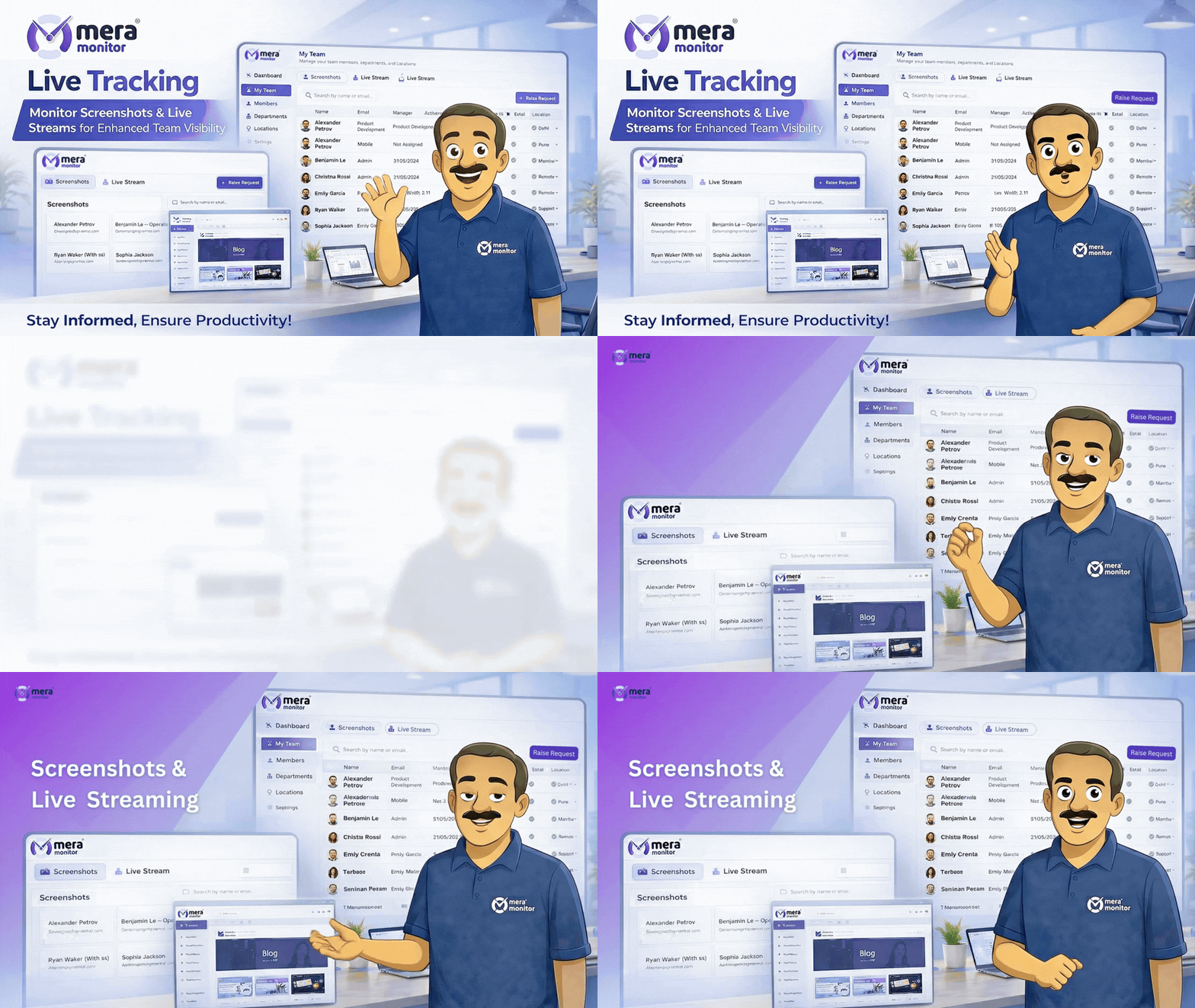
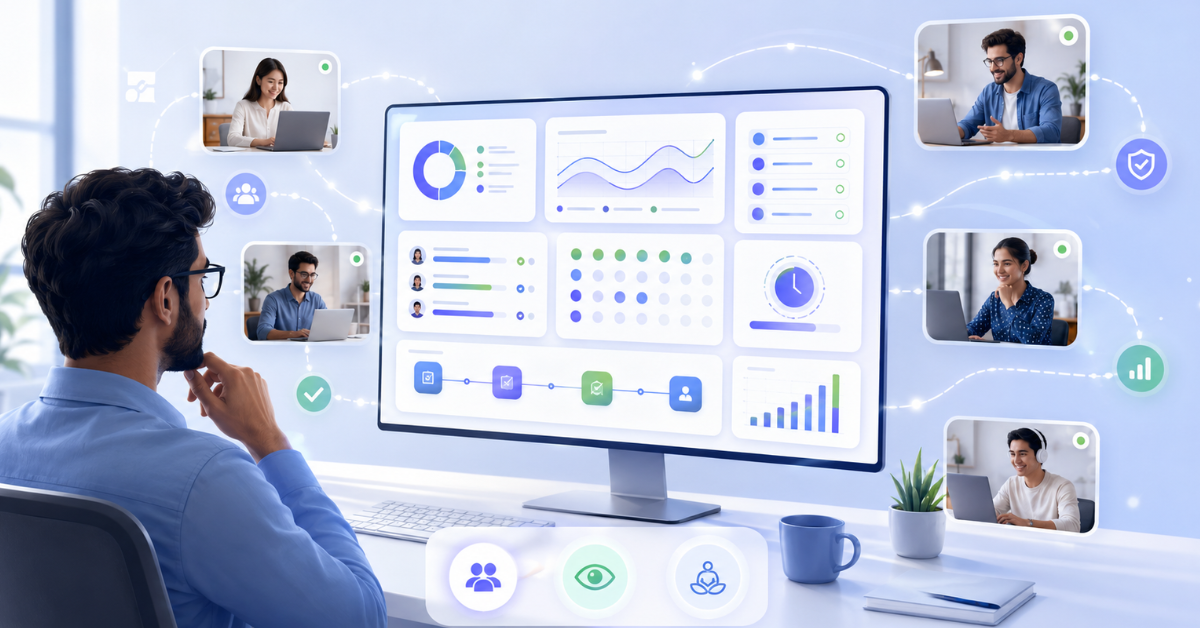
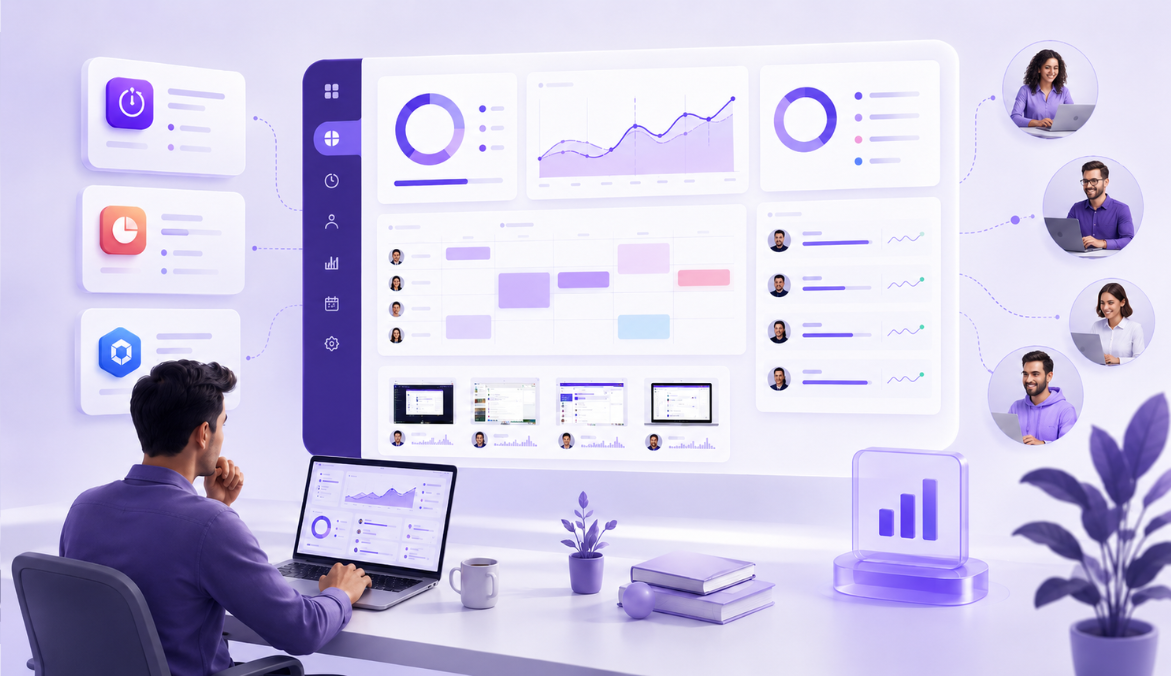
Live Screen Monitoring Software for Real-Time Work Visibility

See ongoing work activity as it happens. with better visibility and context.

⚡ Fast, free, and no card required

Turn Real-Time Screen Visibility into Faster Decisions

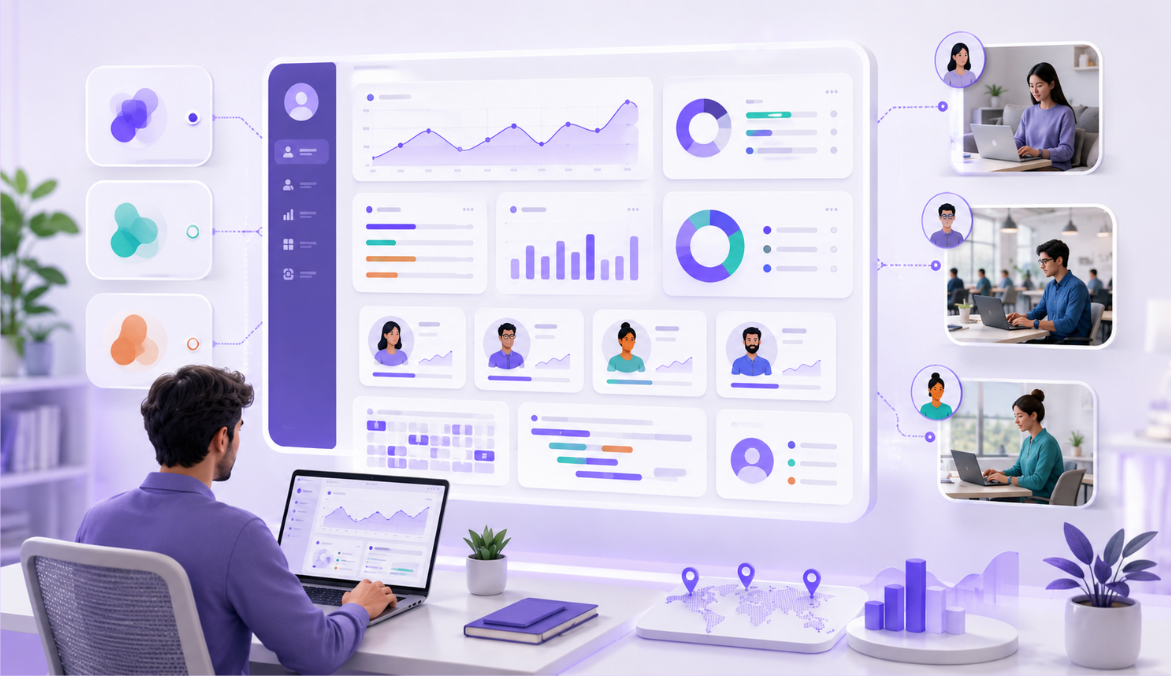
Mera Monitor helps managers understand ongoing work activity as it happens, so they can identify bottlenecks, support employees faster, and keep critical workflows moving with better context.

Without Live Screen Monitoring

Workflow Bottlenecks Are Found Too Late

Leaders often discover stuck tasks, process gaps, or delivery delays only after review meetings, escalations, or missed timelines.

Remote and Hybrid Work Gaps Stay Hidden

Managers may not easily see when distributed employees are struggling with repeated errors, unclear workflows, or inefficient work habits.

Critical Workflows Lack Immediate Oversight

For support, BPO, IT, finance, healthcare, and service teams, sensitive or time-critical work may need closer visibility than standard reports can provide.

Capacity Planning Depends on Assumptions

Leaders may not know whether a task is taking longer because it is complex, the tools are inefficient, or the workflow itself is slowing the team down.

Manual Follow-Ups Interrupt Focus

Managers may rely on repeated calls, messages, screenshots, or status updates to understand whether work is moving as expected.

With Mera Monitor

Identify Bottlenecks as Work Happens

View employee screens in real time during work hours to understand where work is slowing down and step in with timely support before delays affect delivery.

Support Teams with Real-Time Work Context

Live screen visibility helps managers identify where employees may need guidance, workload support, process clarity, or training before small issues become bigger productivity gaps.

Monitor Priority Work with Better Control

Mera Monitor gives authorized managers real-time screen visibility during defined work hours, helping them verify ongoing work activity and respond quickly when priority tasks need attention.

Understand the Real Work Process

screen monitoring helps managers see how work moves across tools, screens, and tasks, giving them better context to improve workflows, balance capacity, and reduce process friction.

Reduce Unnecessary Check-Ins

With real-time screen visibility, managers can review ongoing work status when needed and make follow-ups more specific, timely, and less disruptive.

Live Screen Monitoring Features Built for Real-Time Work Visibility

See Ongoing Work Activity as It Happens

Understand what employees are working on during active work hours. Mera Monitor helps managers view live employee screens when needed, so they can get real-time context into work progress, task focus, and daily execution.

View employee screens live

See ongoing screen activity during defined work hours to understand whether work is moving as expected.

Understand active work context

Review live screen activity to get better clarity into current tasks, tools, workflows, and work progress.

Support teams without waiting for updates

Use real-time visibility to reduce dependency on delayed status updates, repeated calls, or manual screenshots.

Identify Workflow Friction Before It Delays Delivery

Work delays often start with small issues — a stuck task, slow software, unclear workflow, or repeated process confusion. Mera Monitor helps managers identify these signs earlier through live screen visibility.

Spot stuck tasks faster

See when employees are spending too much time on the same screen, tool, or process and may need support.

Identify process friction

Understand whether work is slowing down because of tool issues, repeated steps, or inefficient workflows.

Step in with timely support

Provide guidance, training, or resource support before small bottlenecks affect delivery timelines.

Support Remote and Hybrid Teams with Better Context

Remote and hybrid teams often work across locations, schedules, and systems. Mera Monitor helps managers understand ongoing work activity without depending only on check-ins or assumptions.

Improve distributed team visibility

View live work activity for employees working from home, office, client locations, or different shifts.

Reduce uncertainty around remote work

Give managers clearer context into active work instead of relying only on online status or manual updates.

Make follow-ups more specific

Use live screen context to ask better questions, provide relevant support, and avoid unnecessary interruptions.

Monitor Priority Work with Better Control

Some workflows need immediate visibility, especially in support, BPO, IT services, operations, finance, healthcare, and client delivery teams. Mera Monitor gives authorized users real-time screen visibility for sensitive or time-critical work.

Review priority tasks in real time

Monitor important work activity when managers need immediate visibility into task progress or execution quality.

Support shift-based operations

Understand ongoing screen activity during support shifts, operations work, service delivery, and time-sensitive processes.

Respond quickly when attention is needed

Identify potential delays, wrong workflows, or support needs early so managers can take faster action.

Reduce Repeated Check-Ins and Manual Updates

Managers often spend too much time asking for updates, screenshots, or work status confirmations. Mera Monitor helps make follow-ups more focused by giving managers real-time visibility when needed.

Reduce manual progress checks

View live work activity instead of repeatedly asking employees for task updates.

Make conversations more objective

Use screen context to understand what is happening before starting a follow-up or performance discussion.

Keep work moving with fewer interruptions

Help managers stay informed while allowing employees to focus on their work.

Where Live Screen Monitoring Software Helps Most

Remote Teams

Understand ongoing work activity across distributed employees without relying only on calls, chats, or status updates.

Hybrid Teams

Create real-time work visibility for employees working from office, home, client locations, or different schedules.

BPO and Support Team

Monitor active shift work, customer support workflows, and service activity with better real-time context.

IT and Service Teams

Review live work activity during client tasks, technical support, implementation work, and internal service requests.

Operations Teams

Identify workflow gaps, process delays, and execution issues while work is happening, not after the day ends.

Project and Delivery Teams

Understand whether priority tasks, client work, and delivery activities are moving as expected during active work hours.

Training and Onboarding Teams

Support new employees with live work context when they are learning tools, systems, workflows, or internal processes.

Admin and Compliance Teams

Identify workflow gaps, process delays, and execution issues while work is happening, not after the day ends.

Ready to turn work data into decisions?

Trusted by teams in India and globally to cut waste and drive real performance with Mera Monitor.
Available On

Live Screen Monitoring Privacy

Mera Monitor helps organizations use screenshot monitoring software in a responsible way by keeping screenshot capture focused on work hours, controlled access, configurable rules, and privacy-friendly settings.

It gives managers the work context they need while helping companies stay aligned with internal policies, employee communication, and data access controls.

Live Screen Monitoring Built with Privacy in Mind

Mera Monitor helps organizations improve real-time work visibility while keeping live screen monitoring transparent, secure, and aligned with defined work-hour policies.

Work-Hour Based Live Monitoring

Enable live screen visibility during defined working hours, so monitoring stays focused on business activity and workplace requirements.

Role-Based Live Screen Access

Ensure live screen access is available only to authorized users based on their role, responsibility, and internal approval structure.

Transparent Monitoring Practices

Help employees understand when live screen monitoring may be used, who can access it, and how it supports productivity, workflow visibility, and timely support.

Personal Time Protection

Allow employees using personal devices to turn off Mera Monitor outside work hours, helping separate work monitoring from personal time.

Controlled Access for Sensitive Workflows

Use live screen visibility responsibly for support, BPO, IT, operations, finance, healthcare, and service workflows where real-time oversight may be needed

Policy-Aligned Monitoring Rules

Configure live monitoring practices around your organization’s work policies, privacy expectations, team structure, and compliance requirements

Secure Work Visibility

Keep live screen monitoring limited to authorized business use, helping managers view ongoing work activity without unnecessary access or misuse.

How to Use Screenshot Monitoring the Right Way

Screenshot monitoring works best when it is used with clear policies, controlled access, and the right context. Mera Monitor helps teams review work activity during work hours while keeping screenshot settings aligned with company policy and privacy expectations.

Define the Purpose

Before enabling screenshot monitoring, be clear about why your organization needs it. The goal is not to track every action. The real purpose is to understand work progress, reduce guesswork, and support fairer productivity reviews.

Screenshot records are useful when teams work remotely, manage client projects, handle shift-based work, or rely heavily on digital tools. They help managers see what was happening during a specific work period instead of depending only on manual updates or assumptions.

Best used for:
Work visibility, productivity reviews, accountability, client work validation, remote team management, and fairer follow-up conversations.

Set Screenshot Rules

Every organization has different work hours, privacy expectations, and review needs. That is why screenshot rules should be based on your company policy instead of using the same setup for every team.

With Mera Monitor, admins can configure screenshot preferences around how their teams work. This includes capture settings, work-hour rules, blur options, and access permissions.

Decide in advance:
When screenshots should be captured, which teams need screenshot review, whether blur should be enabled, who can access screenshot records, and how often the data should be reviewed.

Communicate with Employees

Screenshot tracking should never feel unclear or unexpected to employees. When people know what is tracked, when it is tracked, and why it is used, the process becomes more transparent and easier to accept.

Explain that screenshots are captured during defined work hours to support work visibility, productivity reviews, and better follow-ups. Also make it clear that access is limited to authorized users and privacy settings can be applied where needed.

Keep the message simple:
Screenshots are used to understand work activity during work hours, not to monitor personal time.

Review with Work Context

Screenshots should not be reviewed in isolation. A single image may not show the complete picture of someone’s workday.

For a fair review, managers should look at screenshot records along with work hours, activity levels, app and website usage, attendance, project updates, and the type of work assigned. This helps avoid quick assumptions and gives a more balanced view of productivity.

For example, low activity may not always mean low productivity. An employee may be reading a document, attending a meeting, reviewing a client brief, or waiting for system access. Work-time screenshots add useful context, but they should be reviewed with the full work picture.

Better review approach:
Look at time, activity, tools used, task type, and screenshot records together before making any decision.

Control Access

Screenshot data should be handled carefully. Not everyone in the organization needs access to these records.

Mera Monitor supports role-based access, so screenshot visibility can be limited to the right people. This helps organizations protect employee privacy, maintain trust, and keep review permissions under control.

Access should usually be given only to people responsible for productivity reviews, team management, delivery tracking, or compliance.

Recommended practice:
Give screenshot access only to admins, managers, or authorized decision-makers who genuinely need it.

Improve Conversations

The best use of screenshot records is not to create pressure. It is to make conversations more specific, fair, and useful.

Instead of asking vague questions like “What were you doing?”, managers can use visual work records to understand blockers, delays, distractions, or support needs.

For example, they can ask:

“Were you blocked during this time?”
“Was this task taking longer than expected?”
“Do you need support with this workflow?”
“Is this tool or process slowing you down?”

This turns screenshot review into a support tool, not just a tracking feature.

Use it for:
Coaching, workload review, blocker identification, process improvement, and fair productivity discussions.

Review Settings

Screenshot settings should evolve as your team, policies, and work models change.

A setup that works for a remote support team may not work for a design team, sales team, or leadership role. That is why it is important to review screenshot frequency, blur settings, work-hour rules, and access permissions from time to time.

Regular reviews help keep screen capture relevant, fair, and aligned with business needs.

Check regularly:
Screenshot frequency, blur settings, access permissions, employee communication, work-hour rules, and policy alignment.

Balance Visibility and Trust

Screenshot monitoring can give leaders useful visibility, but it should always be used with trust and transparency.

The goal is to help teams work better, not to make employees feel watched. When used properly, screenshot records can reduce unnecessary follow-ups, improve accountability, and support better decision-making.

Mera Monitor helps create this balance with work-hour focused tracking, configurable rules, blur options, and role-based access.

The right approach:
Use screenshot monitoring to bring clarity into work, support employees better, and make productivity decisions with more confidence.

FAQs

Live screen monitoring software helps managers view employee screens in real time during defined work hours. It gives better visibility into ongoing work activity, task progress, workflow issues, and team execution without relying only on manual updates.
Mera Monitor helps authorized managers view employee screens live during work hours, so they can understand active work, identify bottlenecks, support employees faster, and make follow-ups more specific.
Companies use live screen monitoring software to improve real-time work visibility, support remote and hybrid teams, reduce repeated check-ins, identify workflow delays earlier, and monitor priority work with better context.
Yes. With Mera Monitor, authorized users can view employee screens in real time during defined work hours, based on company policy, role-based access, and monitoring settings.
Yes. Live screen monitoring is useful for remote and hybrid teams because it helps managers understand ongoing work activity across different locations, shifts, and work setups without depending only on calls, chats, or status updates.
Live screen monitoring helps managers identify stuck tasks, tool-related friction, unclear workflows, repeated distractions, or execution delays while work is happening. This allows teams to provide timely support and keep work moving.
No. Live screen monitoring shows ongoing screen activity in real time when managers need immediate visibility. Screenshot monitoring captures screen records at selected intervals for later review. Both features support work visibility, but they serve different purposes.
No. Live screen monitoring should not be used as continuous surveillance. When used responsibly, it helps managers view work activity during defined work hours, support employees, identify workflow gaps, and improve accountability with transparency.
Live screen monitoring is useful for remote teams, hybrid teams, BPO and support teams, IT service teams, operations teams, project and delivery teams, training teams, and managers who need real-time visibility into active work.
Yes. Managers and trainers can use live screen visibility to understand where new employees are getting stuck while learning tools, workflows, or internal systems. This helps provide timely guidance and reduce ramp-up time.
For support, BPO, IT, finance, healthcare, operations, and service teams, live screen monitoring can help authorized managers review priority tasks, identify process gaps, and respond quickly when sensitive or time-critical work needs attention.
Yes. Instead of repeatedly asking for updates, screenshots, or progress confirmations, managers can review live work activity when needed and make follow-ups more focused, timely, and less disruptive.
Mera Monitor supports secure and responsible live screen monitoring through role-based access, defined work-hour monitoring, policy-aligned settings, and controlled visibility for authorized users only.
Yes. For employees using personal devices, Mera Monitor can allow users to turn off monitoring outside defined work hours, helping separate work activity from personal time.
Companies should clearly communicate monitoring policies, define when live screen monitoring may be used, limit access to authorized users, monitor only during work hours, and use screen visibility to support productivity, workflow improvement, and employee guidance.

One Platform. Built for Modern Teams. Trusted Across Industries.

Book a free 30 min live demo to see Mera Monitor features in action

One of the best and most accurate tracking tool
One of the best productivity tool in market.
Mera Monitor is a powerful and efficient employee tracking app that ensures seamless monitoring and productivity management. With its intuitive interface, real-time tracking, and robust features, it enhances transparency and efficiency.
This tool helps organizations monitor their employees effectively. It helps them to improve productivity and efficiency. The tool is pretty cool because it's got real-time monitoring features, like screen capture, live recording and live streaming with multiple Reports.
Its designed to enhance workplace productivity and efficiency. The tool offers real-time monitoring capabilities, including live streaming and screen capturing, which have been highlighted as unique features.